

Comparison
MyArchitectAI, Veras, LookX, Visoid, Midjourney: AI Viz Comparison 2026
A named comparison of the AI viz tools architects actually search for, with honest pros and cons, and a clear take on what belongs in client work.
10 min readRendervis
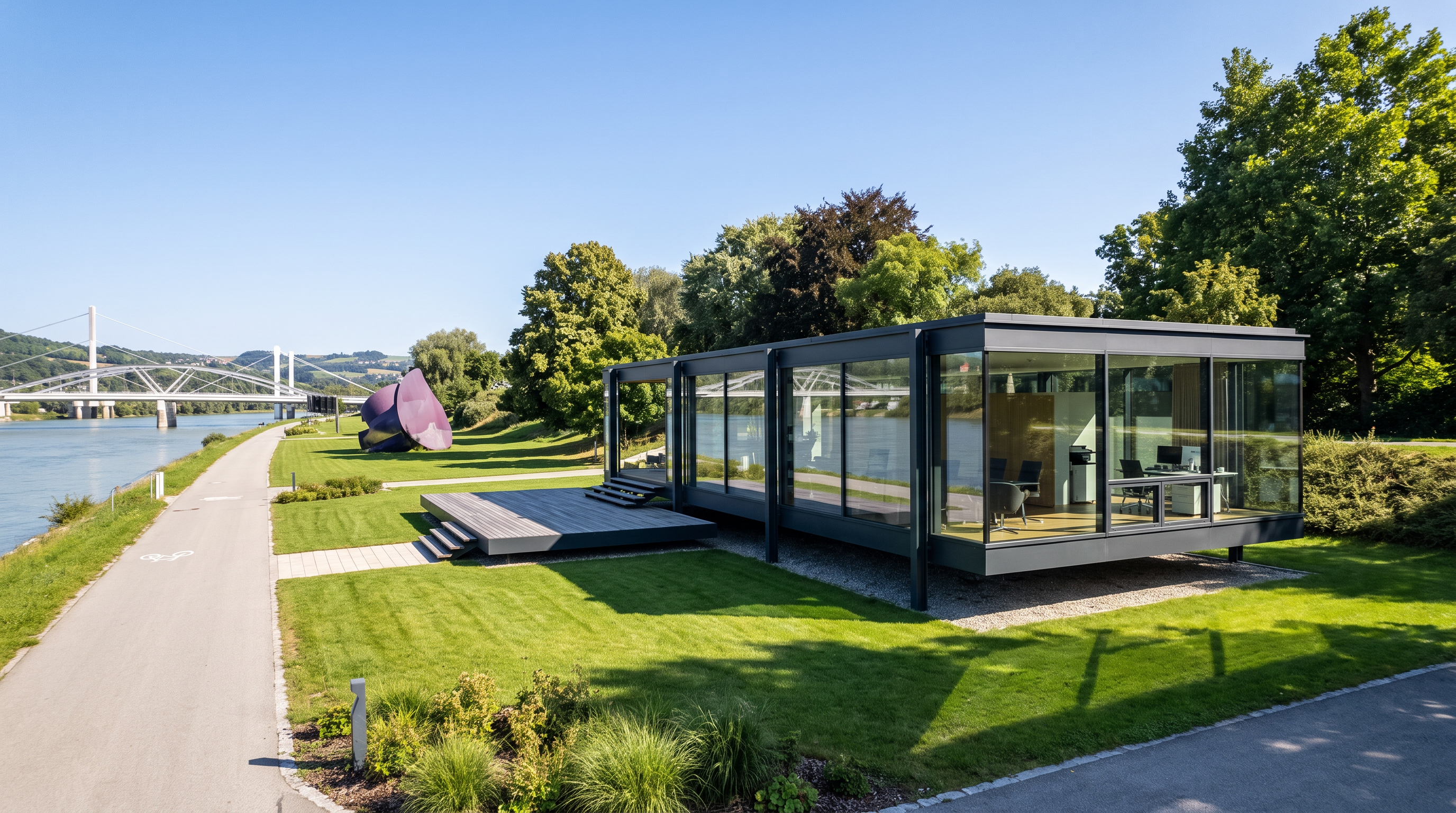
We compared MyArchitectAI, Chaos Veras, LookX AI, Visoid, Midjourney, and PromeAI on geometry risk, cinematic finish, browser workflow, 3D model viewing, and real site context. Here is what each tool is good at, where it falls short, and why Rendervis still stands out.
If you have typed MyArchitectAI vs Veras or best AI rendering for architects into a search bar lately, you already know the problem. Every homepage looks finished. Every demo looks photoreal. The useful differences only show up when you drop in a real SketchUp view or a live elevation.
I will be straight with you. We compared the big names architects actually search for: MyArchitectAI, Chaos Veras, LookX AI, Visoid, Midjourney, and PromeAI. Pros and cons below come from what those products publish about themselves, plus how they behave on the jobs that matter: client stills, material options, and presentation images that still match the drawings.
Rendervis is in this list for a reason. We studied architecture. We spent years doing professional renders. The product is what we wanted when we were the ones shipping the images.
Quick answer: Use Midjourney for mood and early concepts. Use Chaos Veras if you want AI inside Revit, SketchUp, Rhino, or Archicad. Use MyArchitectAI or Visoid for fast browser based stills from a model view. Use LookX or PromeAI when you want plugins, style training, or a wide creative toolkit. Use Rendervis when you want a polished browser app with a real 3D model viewer, Google Earth style site context, cinematic finish, and the lowest practical risk of the AI rewriting your building. Plans start at $29 a month.
How we compared these tools
Pretty galleries are a terrible scoreboard. We scored each product on the questions a practice actually asks.
| Question | Why it matters |
|---|---|
| How often does AI rewrite the design? | Every model can drift. Some tools minimize it. None eliminate it. |
| Can I inspect a 3D upload in the browser? | Orbiting the model before you render beats guessing from one flat export. |
| Can I place the building on the real site? | Neighbors, terrain, and street context change whether a still persuades. |
| How do I start? | Sketch, model view, 3D object, plugin, or text only. |
| Is cinematic finish in scope? | Hero stills need atmosphere and depth, not only a sharper screenshot. |
| Pricing shape | Unlimited stills, credits, or GPU hours change how you work. |
AI architectural visualization tools at a glance
| Tool | Best for | Starting paid price (public) | Main tradeoff |
|---|---|---|---|
| Midjourney | Concept mood and atmosphere | About $10 to $60/month | Strong images, weak geometry lock |
| Chaos Veras | AI inside BIM and design tools | About $17 to $29/month billed annually | Deep Chaos ecosystem, credit math |
| MyArchitectAI | Fast browser stills from CAD views | From about $29/month | Speed first, some pro controls still coming |
| Visoid | Model to still with simple iteration | From about $29/month | Credit limits on lower plans |
| LookX AI | Sketch to render, plugins, style training | Free to start, paid tiers | Strong ideation, less presentation discipline |
| PromeAI | Broad creative suite for many industries | Free to start, coin based plans | Architecture is one use case among many |
| Rendervis | Cinematic stills, in browser 3D, real site context | $29 / $49 / $99/month | Built for presentation work, not prompt only art |
Prices move. Check each vendor before you buy. The shape of the plan matters more than a single number.
Midjourney
Midjourney is still the tool people mean when they say “that AI architecture look.” Plans commonly run about $10 Basic, $30 Standard, $60 Pro, and $120 Mega per month, with GPU hours as the main limit. For client privacy, Pro is often the real floor because of Stealth Mode.
Pros
- Excellent atmosphere, light, and material presence for early concepts
- Fast ideation when you do not yet have a locked design
- Huge community of architectural prompts and styles
Cons
- It invents buildings. It does not lock your plan, openings, or proportions
- Prompt craft becomes a second job
- Multi view consistency of one project is hard
Best for: mood boards, competition atmosphere studies, “what if this courtyard felt warmer.”
Not for: a Thursday client meeting where the image must match the drawings.
Chaos Veras
Veras is Chaos’s AI visualization product for architects and designers. The big claim is workflow: plugins and presence across Revit, SketchUp, Rhino, Archicad, Vectorworks, and more, plus ties into the wider Chaos world (Enscape, V-Ray, Corona). Public plans we saw land around $16.90 to $29 a month when billed annually, with shared credits for images and video.
Pros
- Native design tool integration is the clearest in this list
- Sketch to image, model to image, and image to video in one product story
- Material and facade studies while keeping massing intact is a stated goal
- Enterprise friendly packaging if your office already buys Chaos
Cons
- Credit pools make cost less predictable than unlimited still plans
- You inherit Chaos pricing and account complexity
- Artistic ceiling is often described as behind Midjourney on pure mood
Best for: firms already in Revit or SketchUp who want AI without leaving the modeler.
Not for: solo designers who only need a few cinematic stills a week and hate credit math.
MyArchitectAI
MyArchitectAI is one of the most searched architecture specific AI renderers. The pitch is simple: upload a SketchUp or Archicad style design view, click Render, download in 4K, often in under 10 seconds. Paid plans start around $29 a month. Their help docs describe unlimited static renders, edits, and enhancements on paid plans, with animation credits varying by tier. Style transfer, prompt edits, enhance, and still to video are part of the public product story. A SketchUp plugin and stronger multi scene consistency are listed as coming soon.
Pros
- Extremely fast browser workflow, no install required
- Unlimited stills on paid plans is easy to budget
- Claims geometry and material preservation on render
- Editing, enhance, style transfer, and animation in one place
Cons
- Some power features (plugin, multi scene consistency, deeper lighting tools) are still on the roadmap
- Image based uploads can still drift on people, cars, and fine openings if you do not review
- Cinematic taste is uneven across outputs; speed is the headline more than craft
Best for: solo designers and small teams who want lots of quick options from screenshots.
Not for: practices that need deep BIM plugin control today, or hero stills that feel like a finished visualization suite.
Visoid
Visoid is an Oslo based AI renderer aimed at architects. Upload a 3D view or use a plugin, describe the image, iterate materials and light, export up to 4K, and create short animations. Public pricing we saw starts free, then about $29 a month for Pro, with team plans from about $59 per user per month. The founders include architecture and viz backgrounds, which shows in the product language.
Pros
- Clear model first workflow for Archicad, Revit, SketchUp, Rhino style inputs
- Iteration on materials, seasons, and scene population is front and center
- Up to 4K export and animation support
- Approachable for people who do not want a heavy render seat
Cons
- Credit limits on lower plans can throttle heavy weeks
- You still need a clean composed view; messy helper lines and opening lines hurt results
- Less of a “one cinematic hero” brand story than a fast production helper
Best for: early and mid project content when you need many coherent views fast.
Not for: offices that want a single polished marketing still with strong cinematic post as the main job.
LookX AI
LookX positions itself as an architecture and interior design AI cloud: realtime sketch to render, video generation, custom model training, SketchUp and Rhino plugins, style adapter, upscale, and prompt helpers with architectural vocabulary.
Pros
- Strong ideation loop from text and sketches
- Plugins for SketchUp and Rhino
- Custom style training helps a firm chase a house look
- Video and upscale tools sit next to still generation
Cons
- Outputs often read as concept exploration more than locked presentation stills
- Prompt and style systems add learning overhead
- Geometry discipline varies; review every opening before you show a client
Best for: concept exploration, style studies, and in modeler experimentation.
Not for: final presentation boards where the drawing set is the contract.
PromeAI
PromeAI is a broad AI image and video suite used by architects, interiors, product, and game folks. Sketch rendering, consistency rendering, TextureLock, region edits, upscalers, and image to video sit inside a large tool library (their site lists dozens of tools). It is free to start, then coin based paid plans.
Pros
- Huge toolkit if you also do mockups, video, and general creative work
- Sketch rendering and TextureLock speak directly to architecture workflows
- Consistency and region tools help when you need local control
- Large user base and lots of templates
Cons
- Not an architecture first product; taste and defaults are generalist
- Coin economies can feel opaque for studio budgeting
- Easy to wander into “pretty AI art” instead of a disciplined presentation pass
Best for: mixed creative teams that already want one suite for many media jobs.
Not for: architects who only need a reliable path from model view to cinematic still.
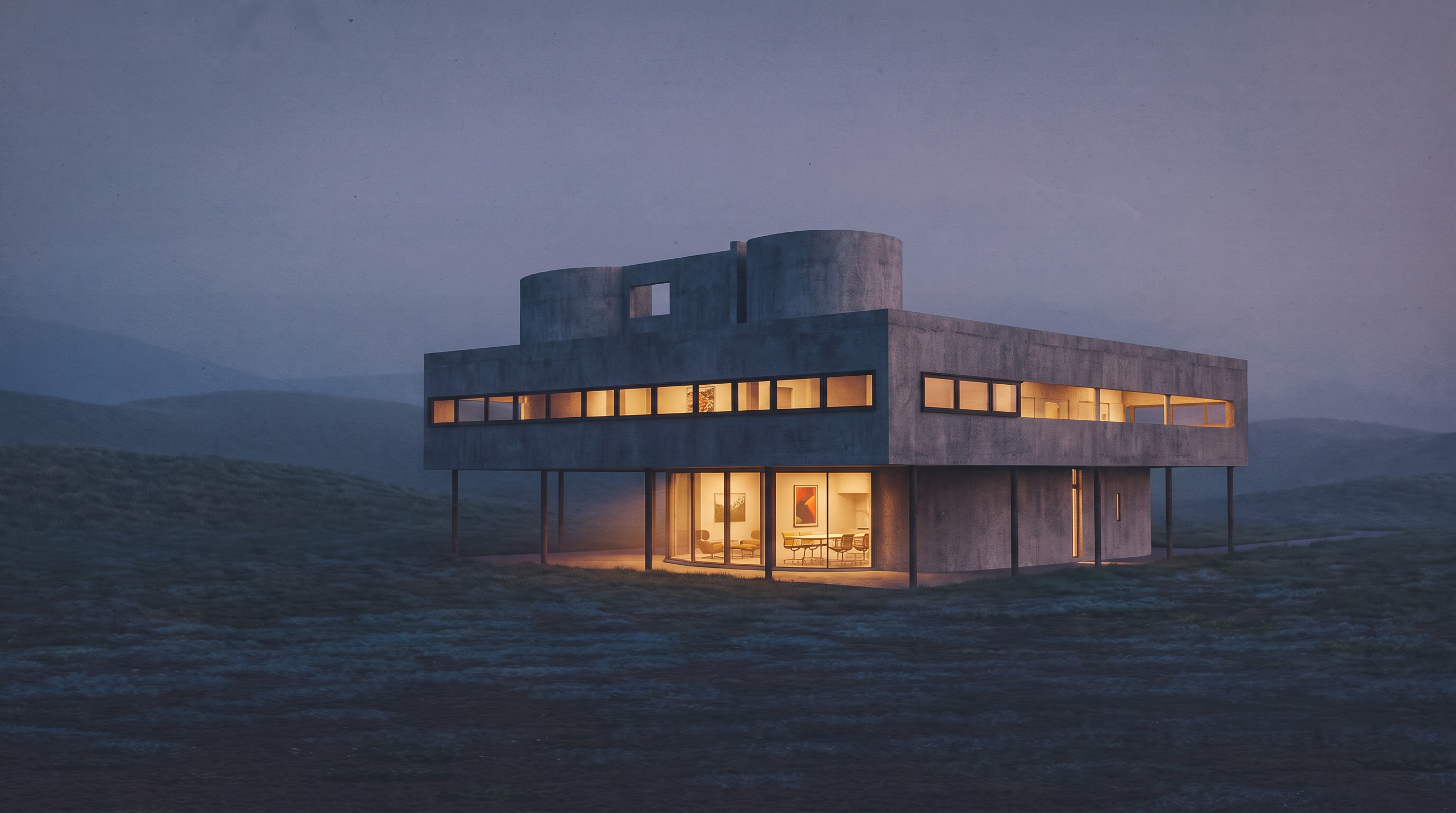
Rendervis: why we still think this is the best fit for client stills
Every tool above solves a real job. Midjourney invents atmosphere. Veras lives in the modeler. MyArchitectAI and Visoid make fast stills from views. LookX and PromeAI open wide creative kits.
We built Rendervis for a narrower, harder job: finish the architecture you already drew so it looks like a presentation image, not a cousin of the building. And we built the browser app around that job with care. It is not a thin wrapper on a model API. It is a product we expect architects to use every week.
We studied architecture. Then we spent years doing professional renders the slow way: lighting, materials, revisions, the late rounds where a client asks for “warmer but still serious.” Rendervis is the product of that experience. It is what we wanted when we were shipping the images ourselves.
Honest note on geometry. Every AI sometimes switches things up. An opening drifts. A railing invents itself. A roof softens. That is true of Midjourney, MyArchitectAI, Veras, Visoid, LookX, PromeAI, and us. Anyone who guarantees zero change is selling comfort, not physics. What we have done is minimize that risk as far as the current models allow, then give you a workflow where you can see the design clearly before and after. Review the still the same way you would review a junior’s first pass.
A real 3D view when you upload a 3D object. Upload a model and you get an in browser 3D viewer. Orbit it. Compose the camera. Then render. None of the other tools in this comparison give you that kind of native 3D object viewer inside the app. Most ask you to flatten the design to a screenshot first and hope the export was good.
Google Earth style site context. You can place your building into a real 3D view of the site, so the render inherits neighbors, terrain, streets, and skyline instead of a made up backdrop. That is a different category of honesty than “add some trees.” The image starts from the place the project actually lives.
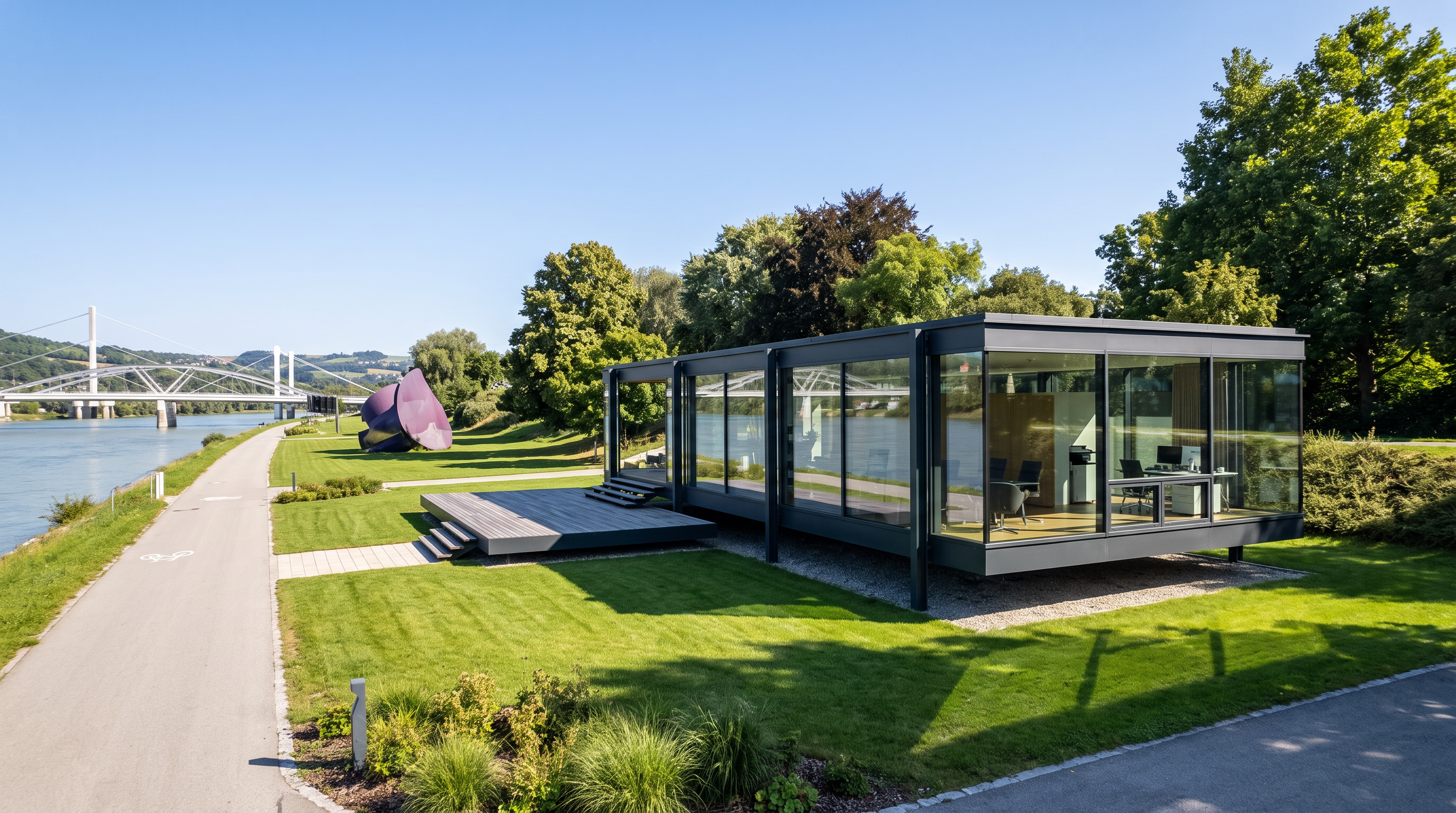
Cinematic post is part of the job. Hero stills, pre sales exteriors, and interior rendering need atmosphere and depth. A flat screenshot with prettier textures is not enough.
Iteration is the workflow. Material studies, time of day, style switches from sketch to photoreal. More on that in when photorealism is the wrong answer and relighting architectural renders.
Pricing is simple for self serve work. Public plans: Basic $29, Pro $49, Studio $99 a month. See pricing. That is usually cheaper than one studio revision round, and you can take another pass before the meeting.
Pros
- Browser based app that feels like a real product, not a demo page
- In browser 3D viewer for uploaded models (unique in this comparison)
- Place the building into Google Earth style real site context
- Cinematic stills as a first class outcome
- Geometry drift minimized as far as current AI allows, with an honest review loop
- Built by people who have lived the render revision cycle
Cons
- Not a Discord style playground for infinite prompt art
- Like every AI renderer, it can still invent or soft change details. You should review
- Hire a studio or model first when the building does not exist as a view yet
- If you need AI buried inside every Chaos seat tomorrow, Veras may fit that stack better
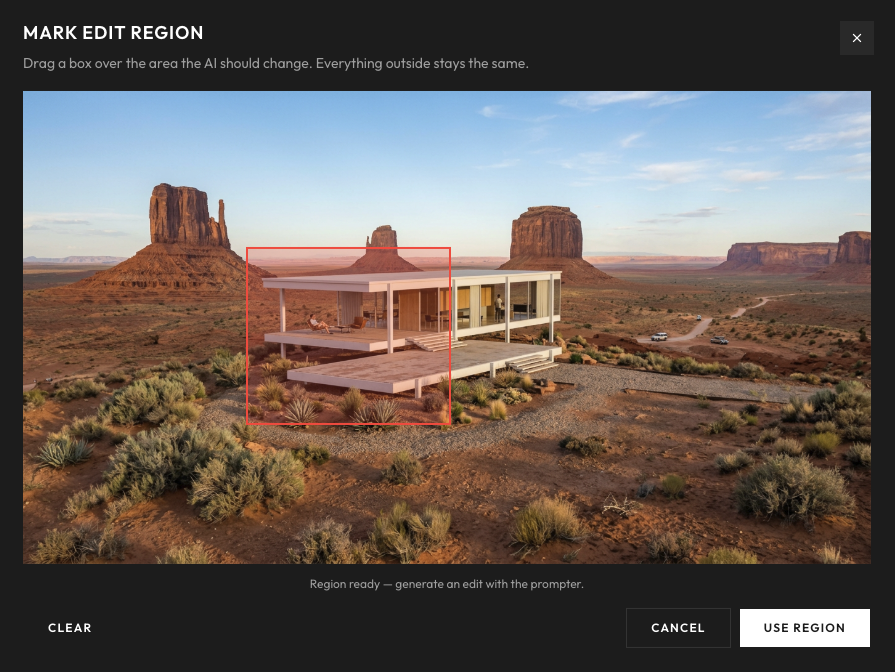
Which tool fits which job
- Mood and early inspiration: Midjourney.
- AI inside Revit, SketchUp, Rhino, Archicad: Chaos Veras.
- Unlimited fast browser stills from screenshots: MyArchitectAI.
- Simple model to still with team credits: Visoid.
- Sketch ideation, style training, plugins: LookX AI.
- One suite for architecture plus lots of other media: PromeAI.
- Client ready cinematic stills, in browser 3D, and real site context: Rendervis.
- Building not modeled yet: a studio or a modeler first. AI finishes a view. It does not invent a construction set.
Studio stills still land around $600 to $2,500, average near $1,500. Full cost picture: how much architectural rendering costs.
Bottom line
MyArchitectAI, Veras, LookX, Visoid, Midjourney, and PromeAI are all real tools with real strengths. Midjourney wins atmosphere. Veras wins modeler integration. MyArchitectAI wins raw speed and unlimited still budgeting. Visoid wins approachable model to image production. LookX and PromeAI win breadth.
Rendervis wins the job we care about most: a serious browser app where you can inspect the 3D model, place it on the real site, and finish a cinematic still with the lowest practical risk of the AI rewriting your design. That craft comes from architecture training and years of professional rendering, not from a generic image model with a new homepage.
Start from a view you already have
FAQ
For locked designs, usually yes. Midjourney is stronger at atmosphere and invention. MyArchitectAI is built to start from CAD style views and aims to keep geometry and materials. For cinematic presentation stills that stay true to your drawing, we still prefer Rendervis.
Pick Veras if you want AI inside Revit, SketchUp, Rhino, or Archicad and you already live in the Chaos ecosystem. Pick MyArchitectAI if you want a browser workflow, fast turnaround, and simpler unlimited still pricing. Pick Rendervis if you want an in browser 3D viewer, real site context, and cinematic finish with the lowest practical geometry drift.
LookX is strong for sketch to render ideation, plugins, and style training. For final client boards, review geometry carefully. Concept tools and presentation tools are different jobs.
Both start from model views and aim at architects. Visoid emphasizes fast coherent production, credits, and approachable iteration. Rendervis adds an in browser 3D model viewer, Google Earth style site placement, and cinematic post production shaped by years of professional rendering practice.
Honestly, every AI sometimes switches things up. Rendervis is built to minimize that risk, not to pretend it is zero. What you get is cinematic post on top of your view: light, materials, atmosphere, and presentation polish. Always review openings, rails, and proportions before you show a client.
Yes. Upload a 3D object and inspect it in an in browser 3D viewer before you render. You can also place the building into a Google Earth style 3D view of the real site so neighbors, terrain, and street context show up in the still. That combination is what none of the other tools in this comparison offer in one browser app.
Public plans are $29, $49, and $99 a month. That sits in the same band as MyArchitectAI and Visoid entry plans, usually below Chaos Veras once you need serious credit volume, and without Midjourney’s Stealth Mode tax for private client work. Details on pricing.
Bring your vision to life.