 Rendervis
[1]
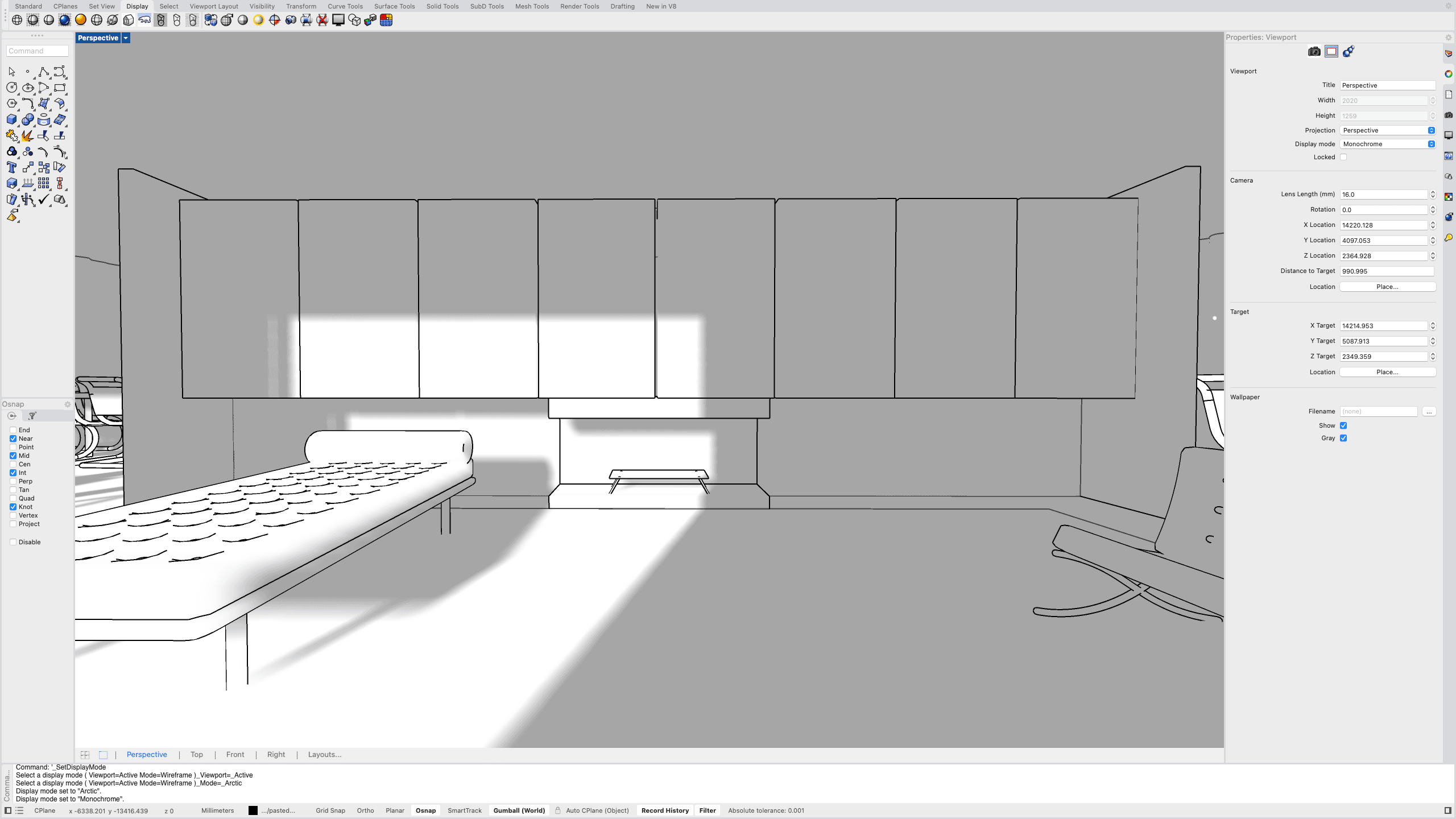
Upload your design
Use a finished interior view as JPG, PNG, or GLB from any modeling software.
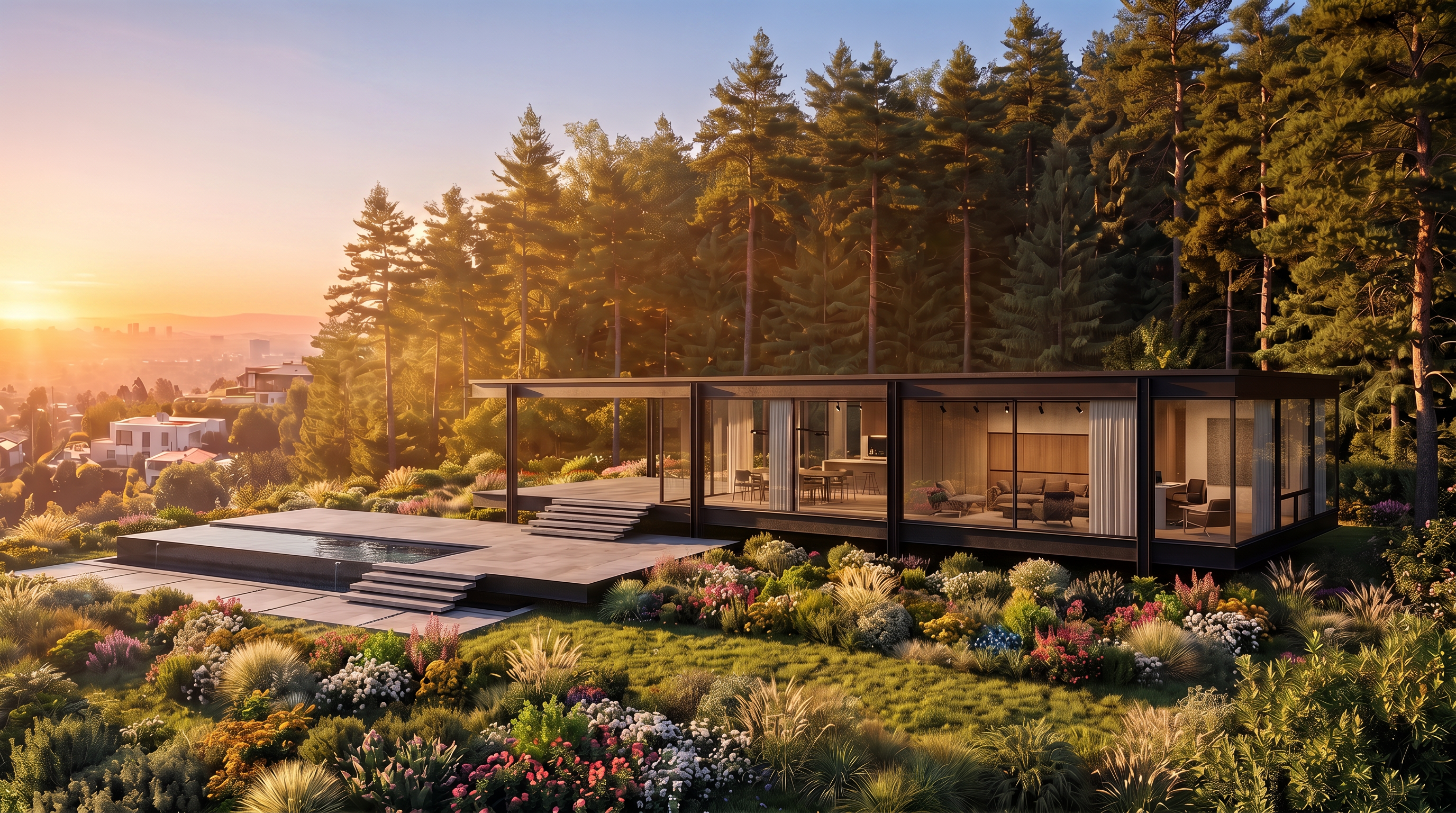
AI interior rendering
You don’t need to be a 3D artist to visualize interiors anymore. Rendervis makes photorealistic interior rendering available from sketches, screenshots, mood boards, and 3D models.
Loved by interior designers who iterate with clients, not overnight render farms.
Works with designs from any CAD or 3D tool
Upload JPG or PNG exports, or lightweight GLB models, no plugin required.






Communicate design intent early and accelerate iteration. Traditional interior rendering needs heavy setup and specialist skills. Rendervis creates stunning room visuals in under a minute without compromising clarity.
[1]
Use a finished interior view as JPG, PNG, or GLB from any modeling software.
[2]
Hit render — no lighting setup, no material grinding. One click and our AI handles the realism.
[3]
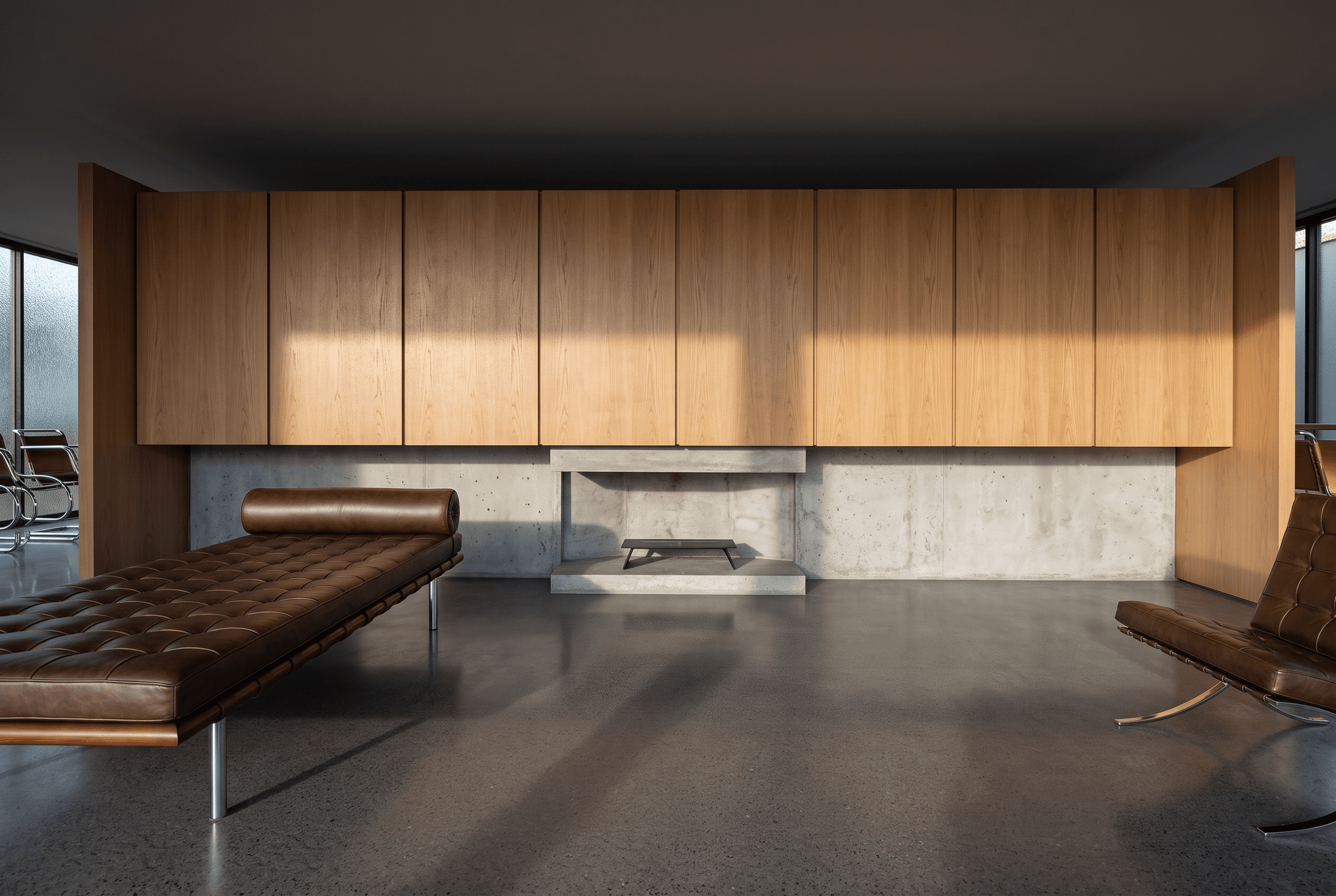
Download a shareable still, then edit further or animate if the story needs motion.
[1]
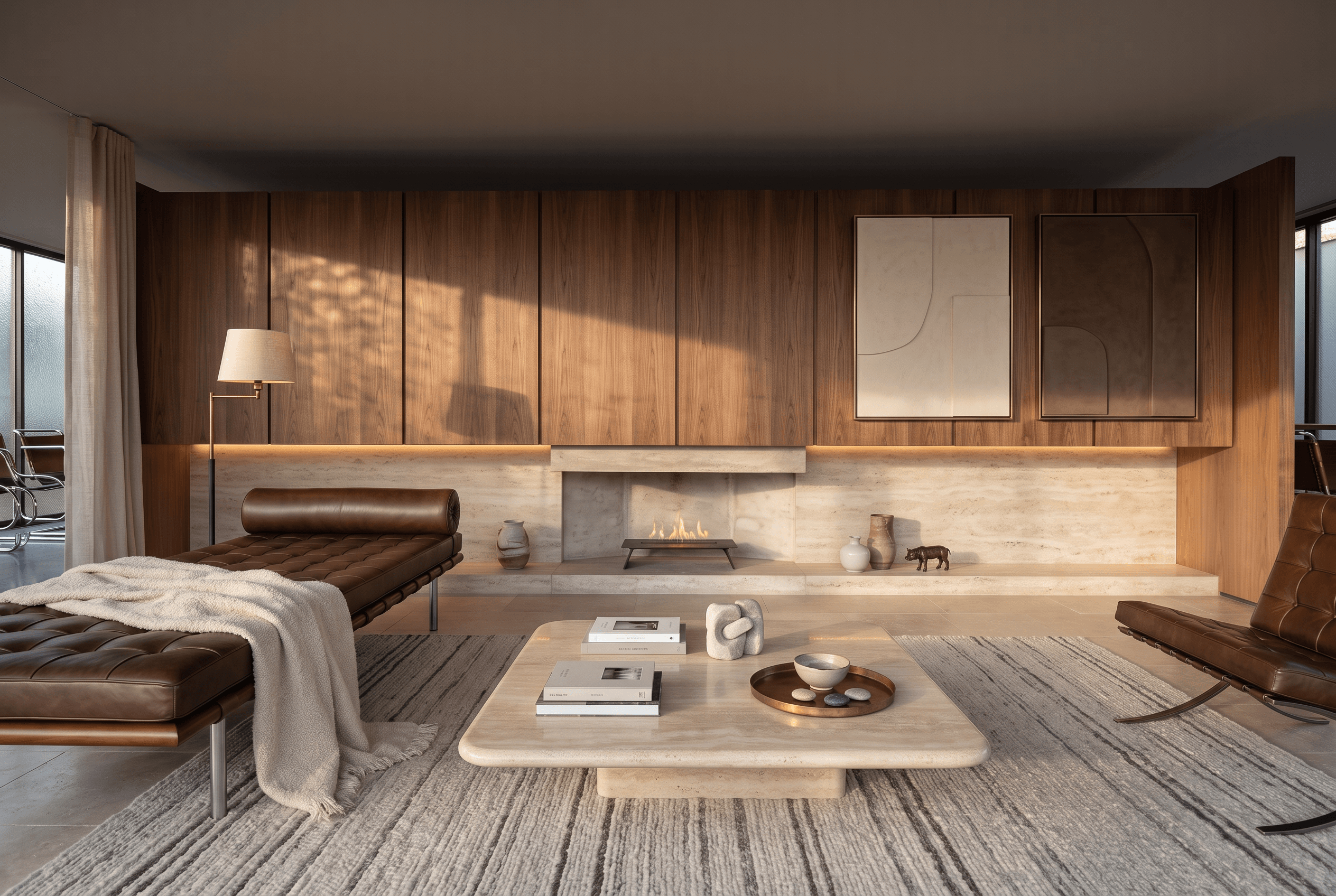
Upload a SketchUp view, CAD export, screenshot, or hand-drawn sketch of the space.
[2]
Drop in a photo or mood board, or describe any style you can imagine. Rendervis pulls finishes, light, and feeling onto your room.
[3]
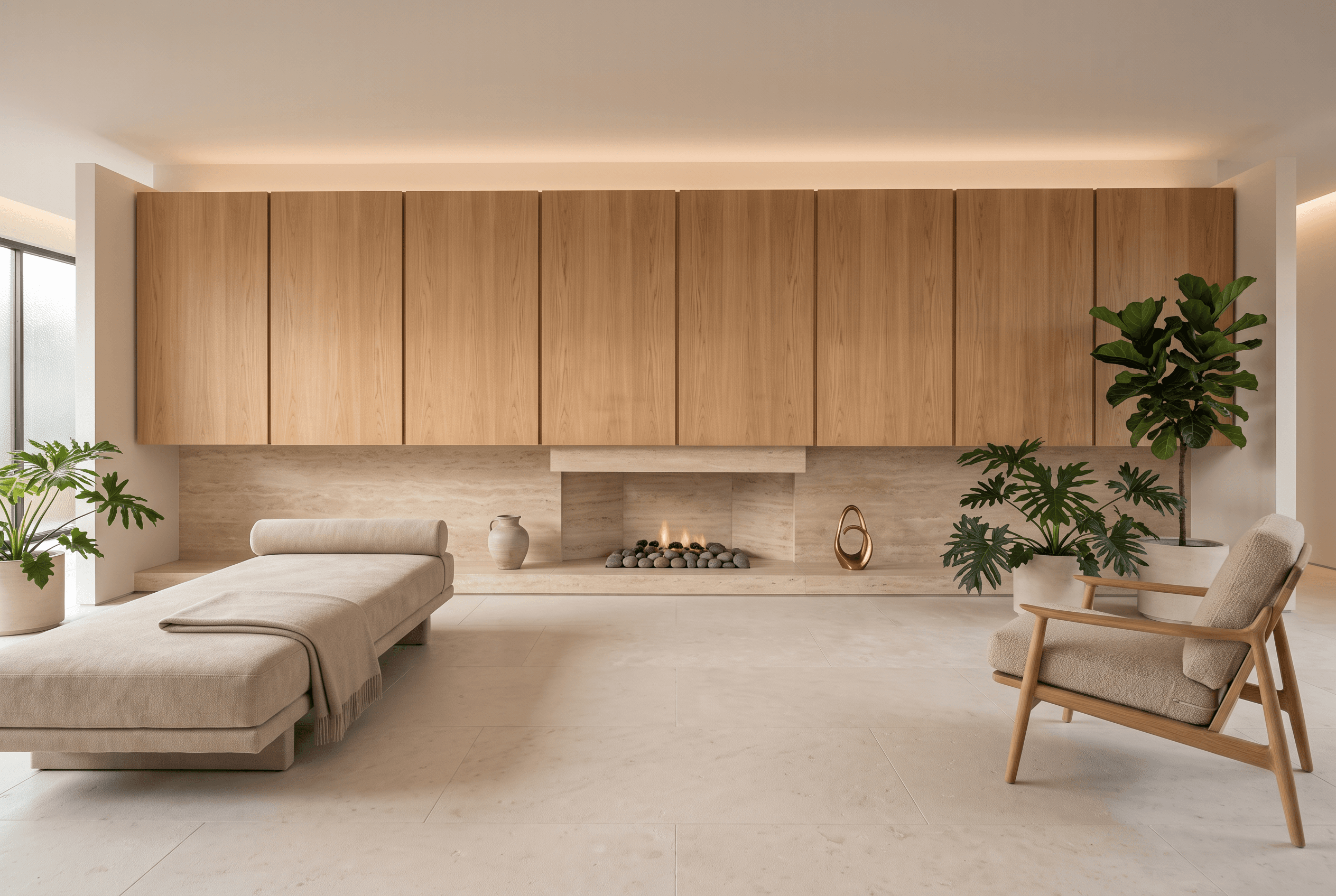
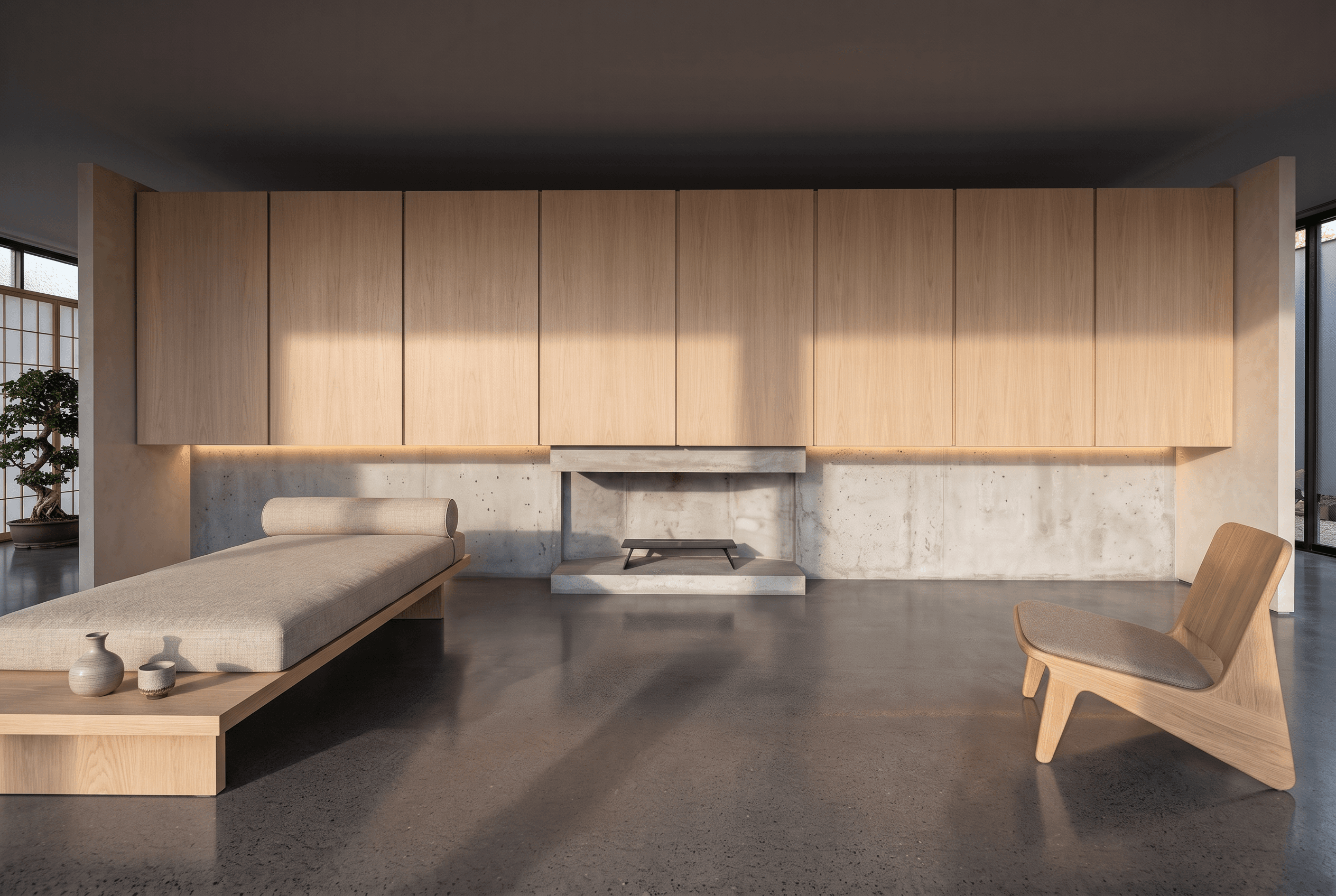
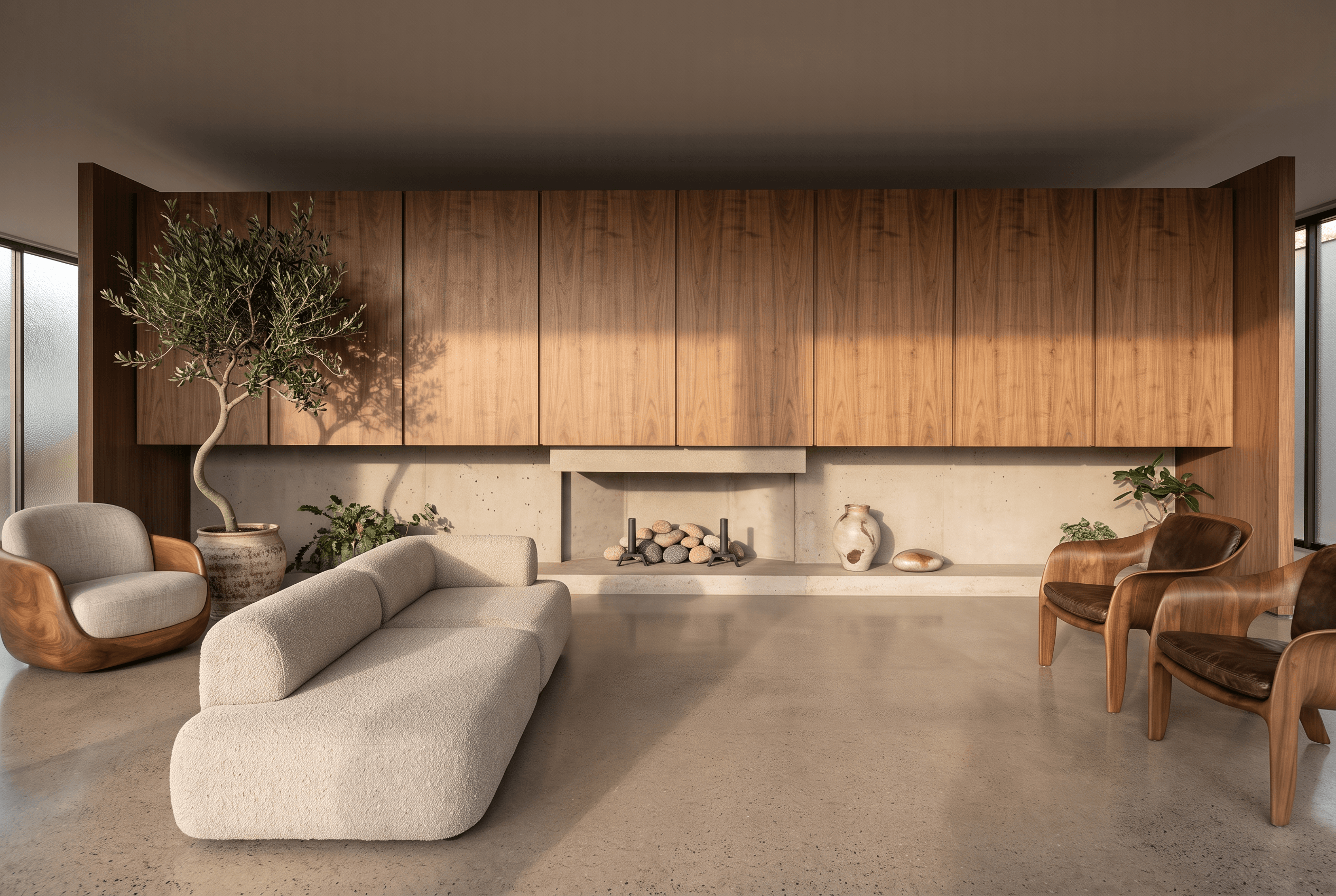
Get several style variants of the same room in seconds. Line them up, then choose the one you like.
[1]
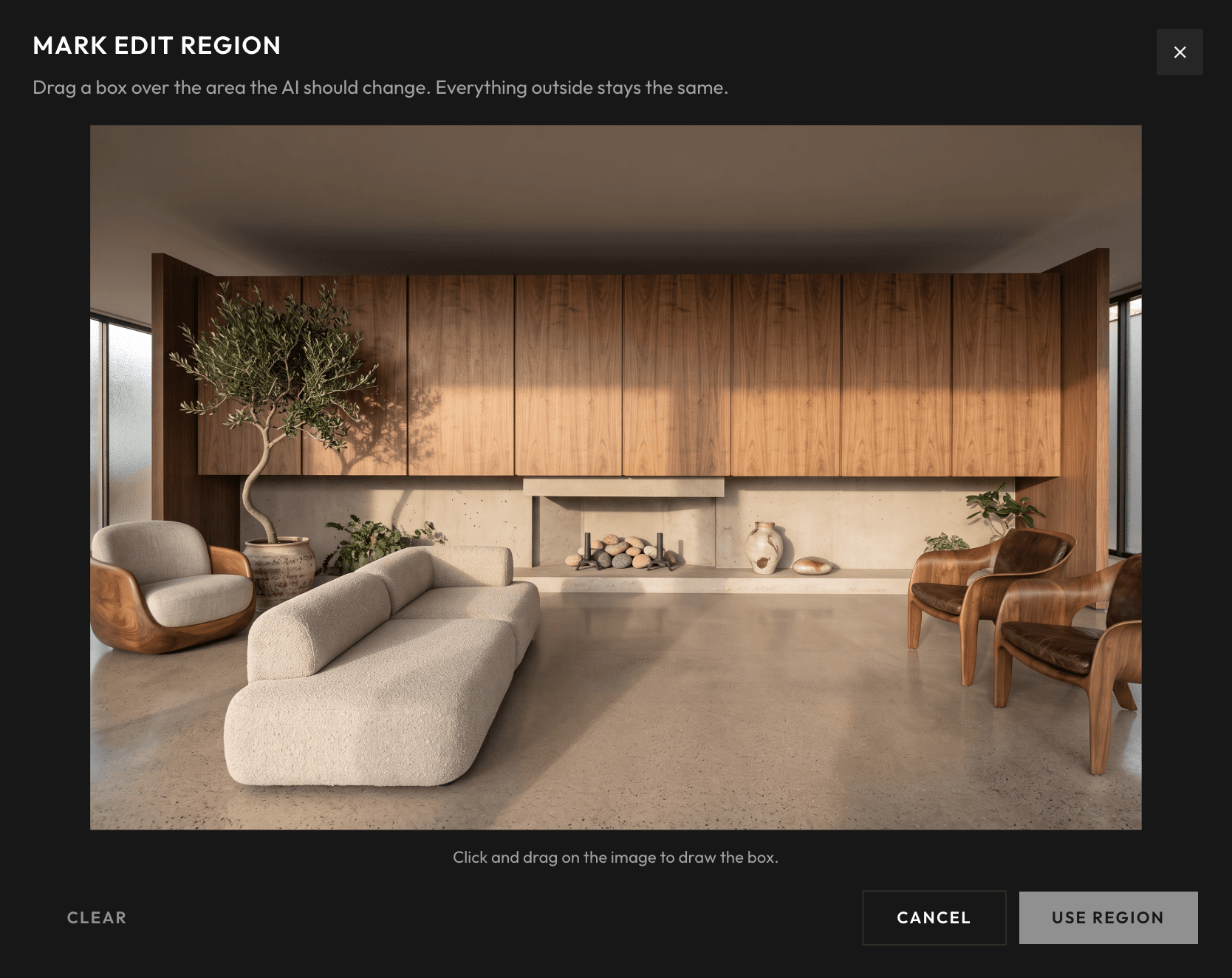
Swap fabrics, flooring, wall finishes, and fixtures right on the image.
[2]
Pick a texture, upload your own, or erase an object completely.
[3]
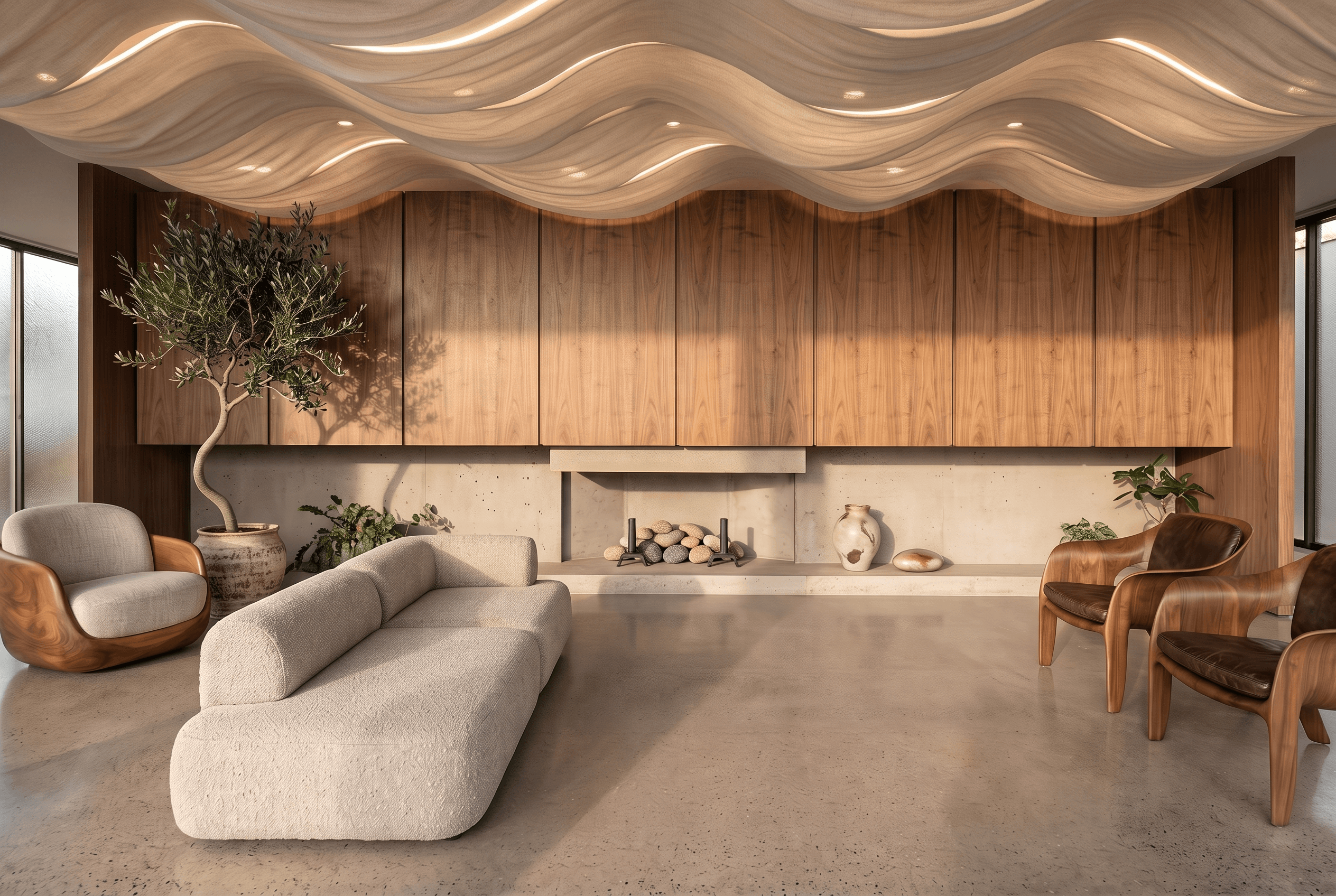
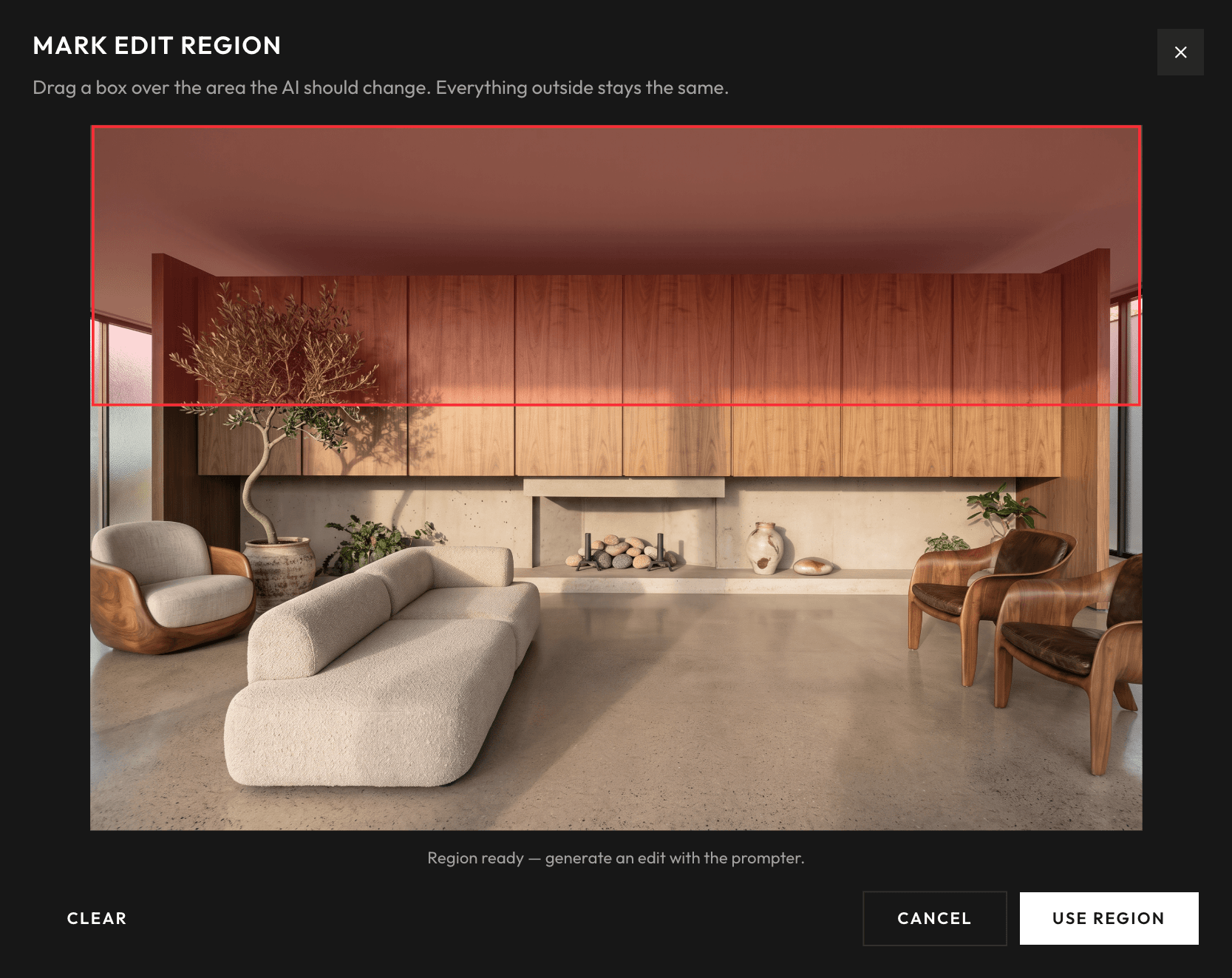
Only the selected area updates. The rest of the room stays untouched.
[1]
Upload an interior still in JPG, PNG, or WebP. No 3D model required.
[2]
Choose orbit, dolly, pan, or flythrough, or describe the exact camera motion.
[3]
Get a professional MP4 in about three minutes for reviews or social posts.
Your new favorite AI interior rendering software.
Lighting and materials used to take hours. Rendervis generates strong interior visualizations while you are still exploring ideas.
No expensive hardware. Rendering runs on cloud GPUs, so your laptop stays free for design work.
Work from Mac, Windows, tablet, or phone. Upload room views, sketches, or model exports and iterate in the browser.
Respond to feedback in the meeting, swap a finish and send a new still the same day.
Test atmospheres before you commit to a full visualization pass.
Compare fabrics, floors, and wall finishes on the same view.
Share photoreal rooms that sell the feeling of the space.
Every image you generate with Rendervis is yours. Your uploads and renders stay private to your account.
Uploads and account data are protected with industry-standard encryption in transit and at rest.
Our infrastructure is built for consistent performance, so a last-minute client presentation is not held up by a local machine struggling to render.
Under 1 min
Per render
0
Learning curve
0
Installs needed
Sign up and start from the room view or sketch you already have.