 Rendervis
[1]
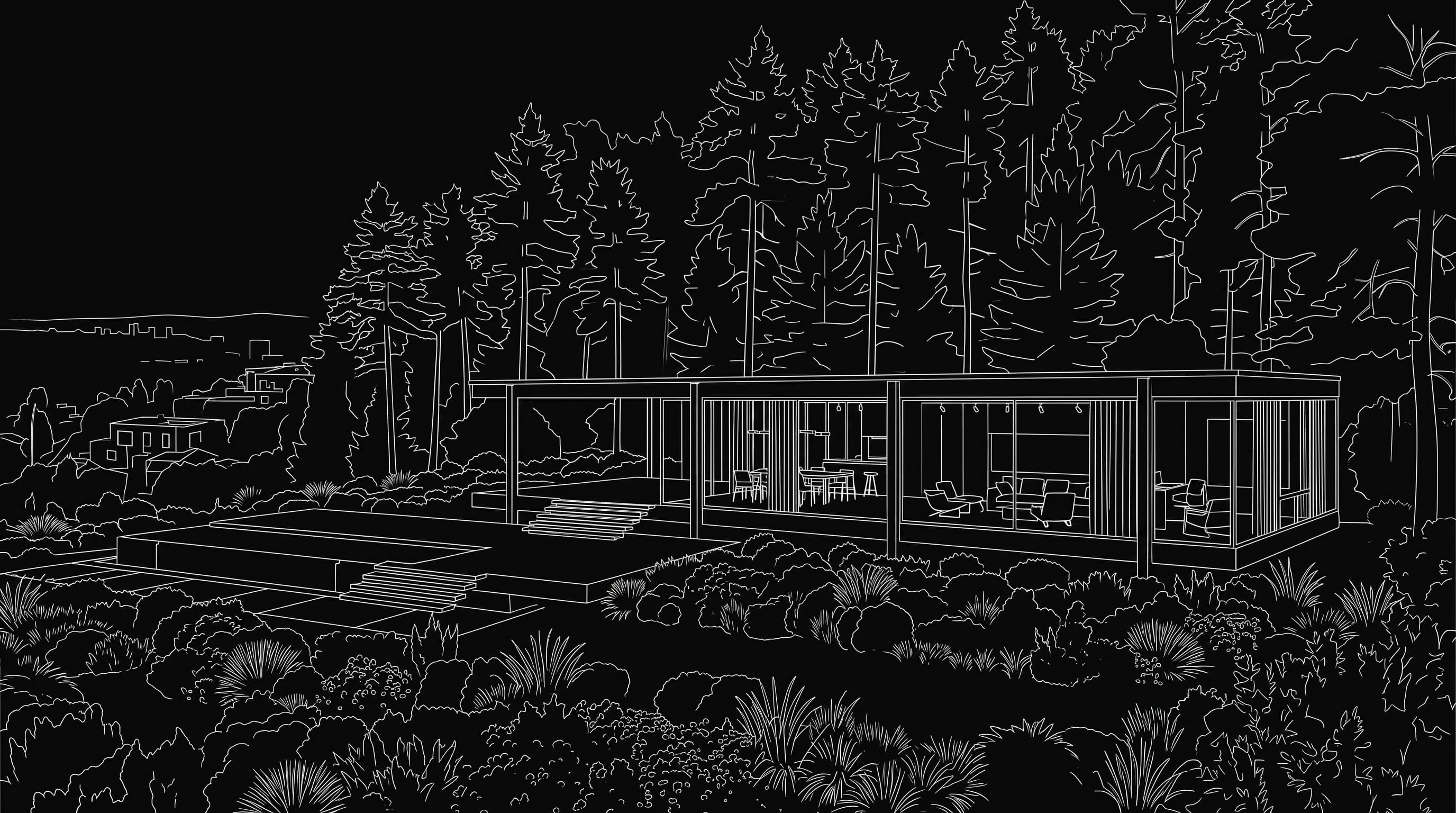
Upload your design
Send a finished facade, site view, or massing study as JPG, PNG, or GLB.
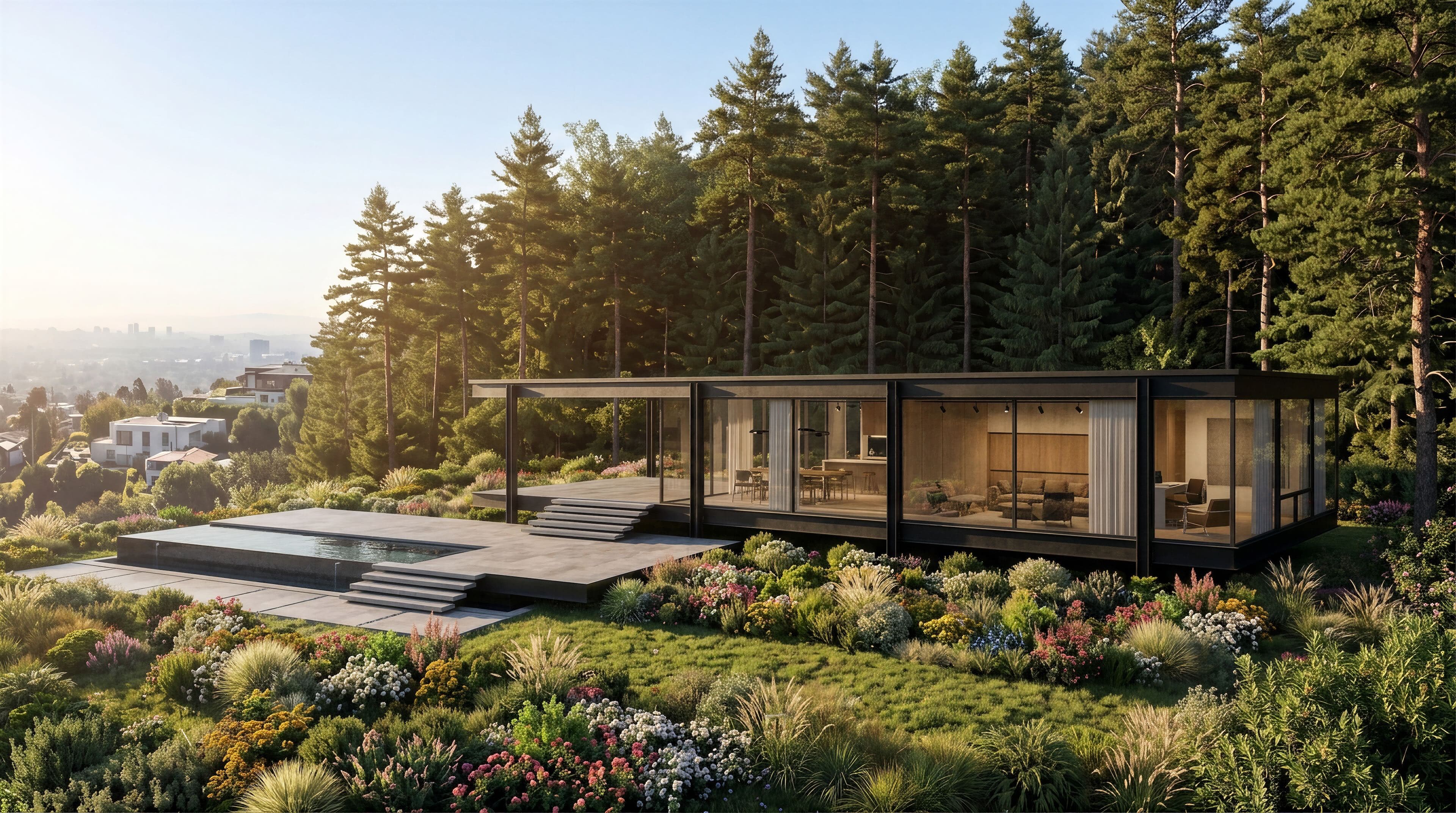
AI architectural rendering
Skip the long cycle of modeling, texturing, and lighting every view. Rendervis turns architectural designs into visuals in under a minute, powered by AI and your browser.
Made for architects and designers who need client-ready images without the wait.
Works with designs from any CAD or 3D tool
Upload JPG or PNG exports, or lightweight GLB models, no plugin required.







Involve clients earlier and compress the concept phase. Rendervis produces architectural visuals without specialist 3D expertise or a powerful workstation — rendering happens on cloud GPUs.
[1]
Send a finished facade, site view, or massing study as JPG, PNG, or GLB.
[2]
Write how the image should feel, or leave the prompt empty and let Rendervis dial in realism.
[3]
Download a client-ready still, share it, or continue refining on the same canvas.
[1]
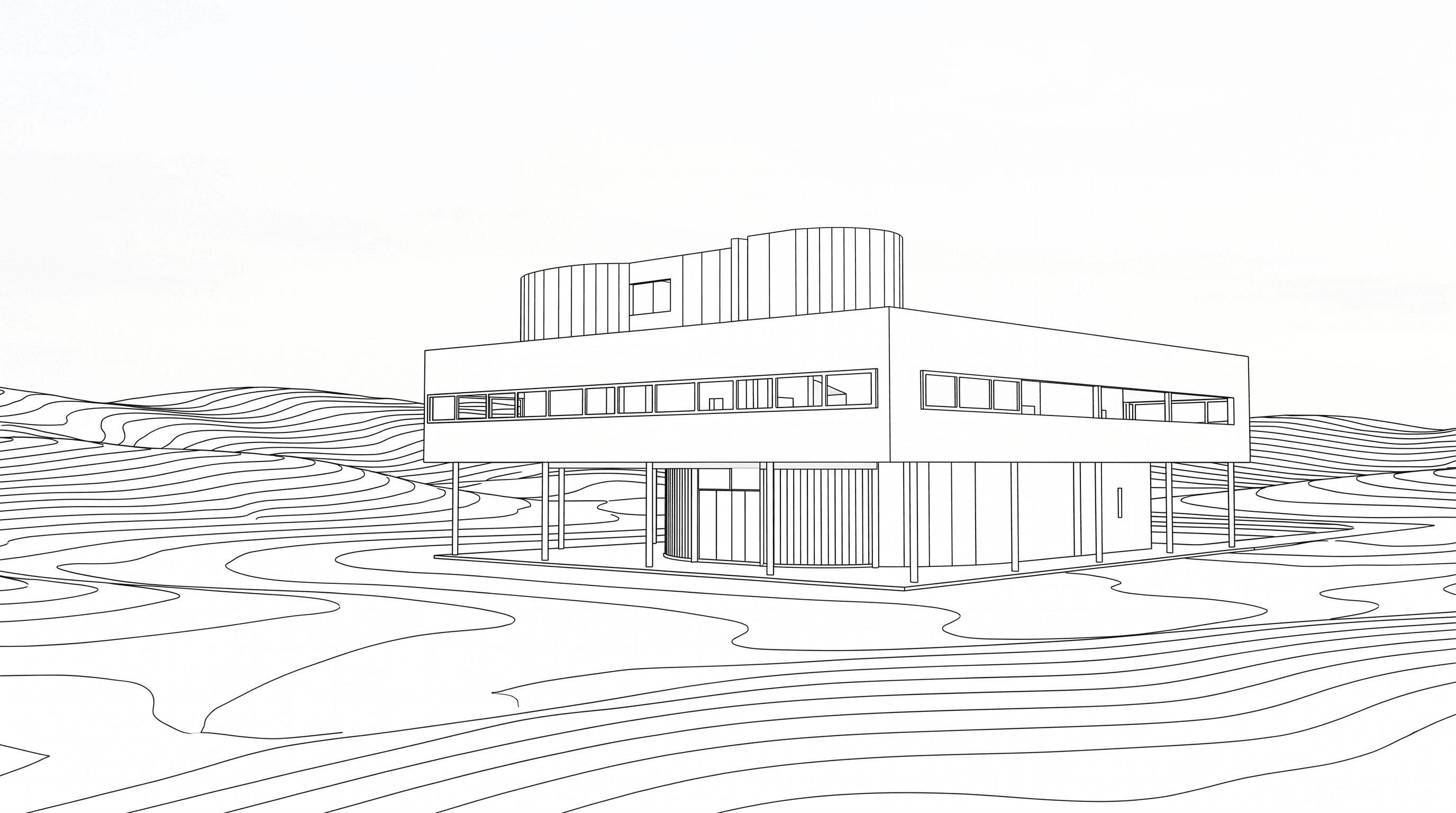
Start from SketchUp, Archicad, Revit, Rhino, or any CAD export — even a simple line drawing works.
[2]
Drop in a photo so Rendervis can borrow its mood, materials, and overall feel for your project.
[3]
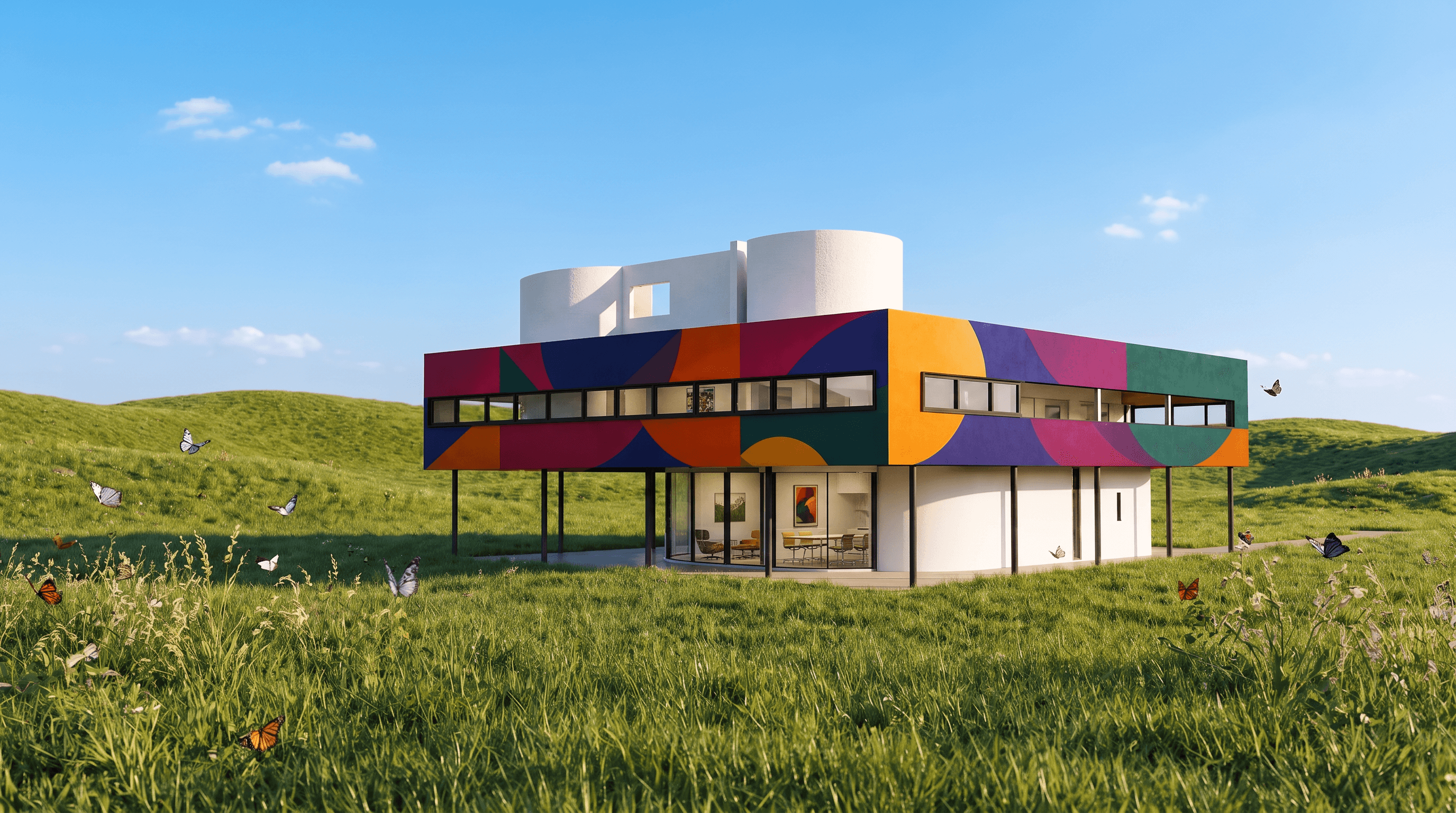
A fresh concept appears in seconds, with your architectural form kept intact.
[1]
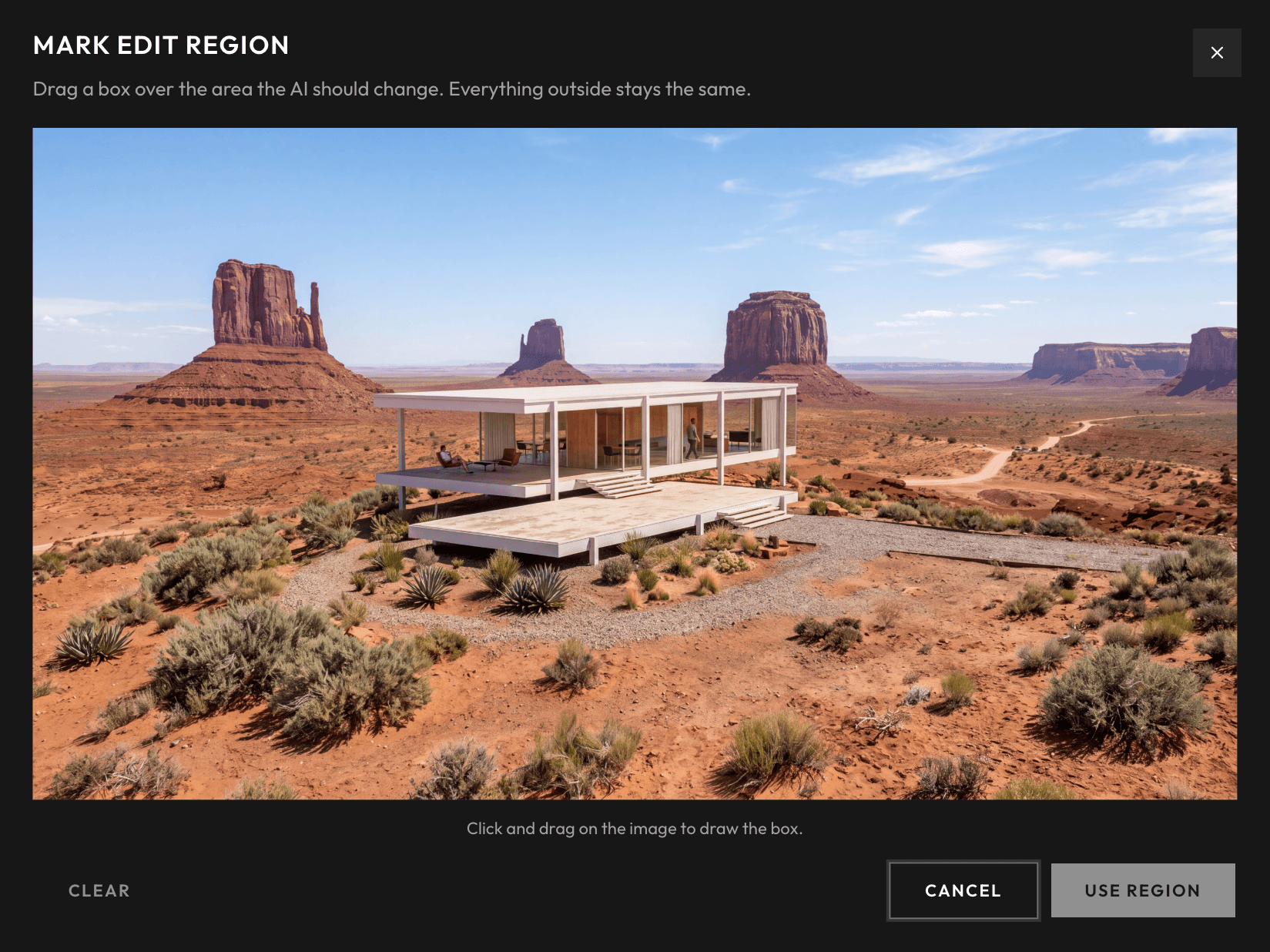
Try cladding, glass, roof finishes, and landscape hints without rebuilding the scene.
[2]
Choose a material, bring your own texture, or wipe an object out entirely.
[3]
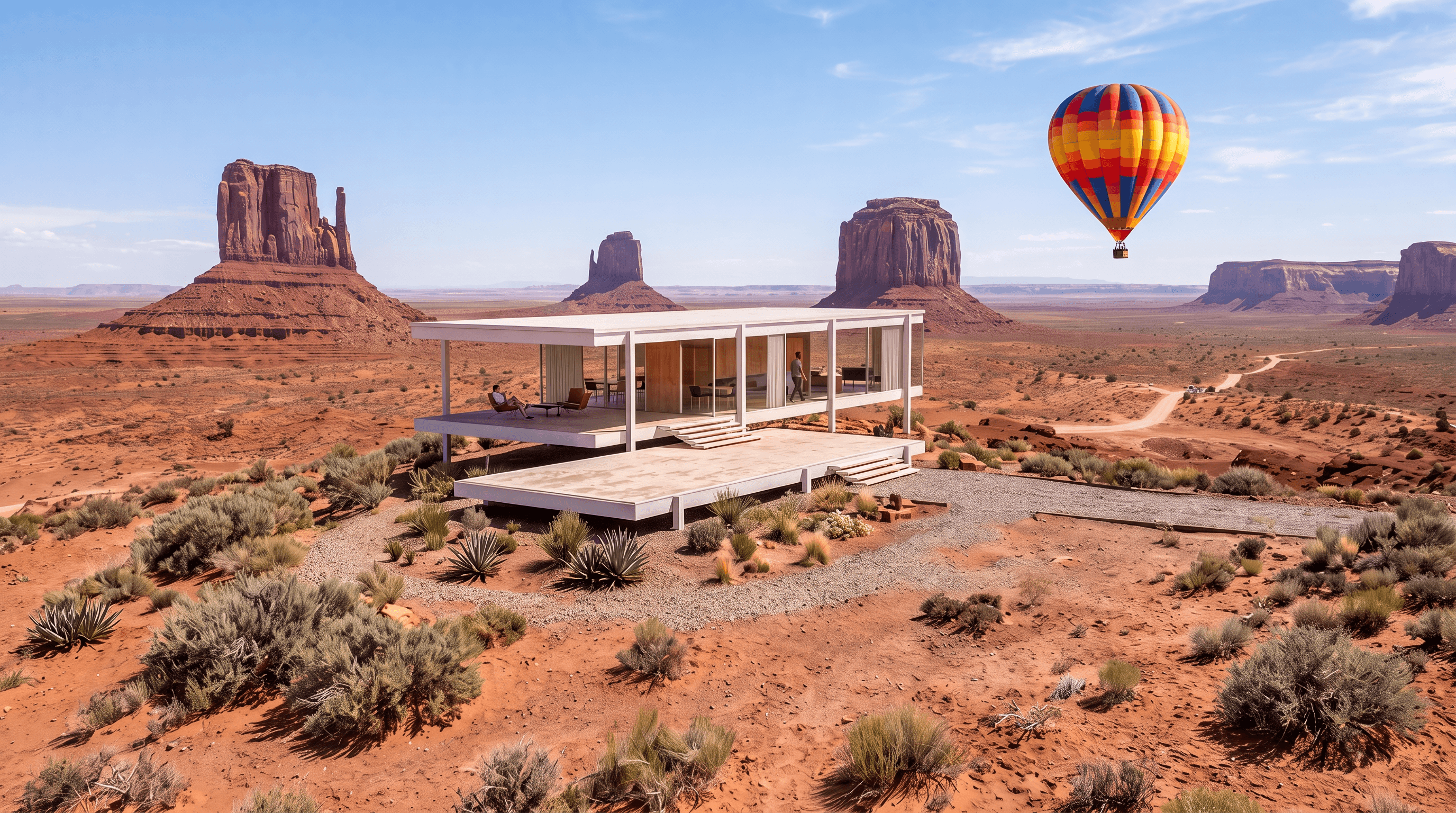
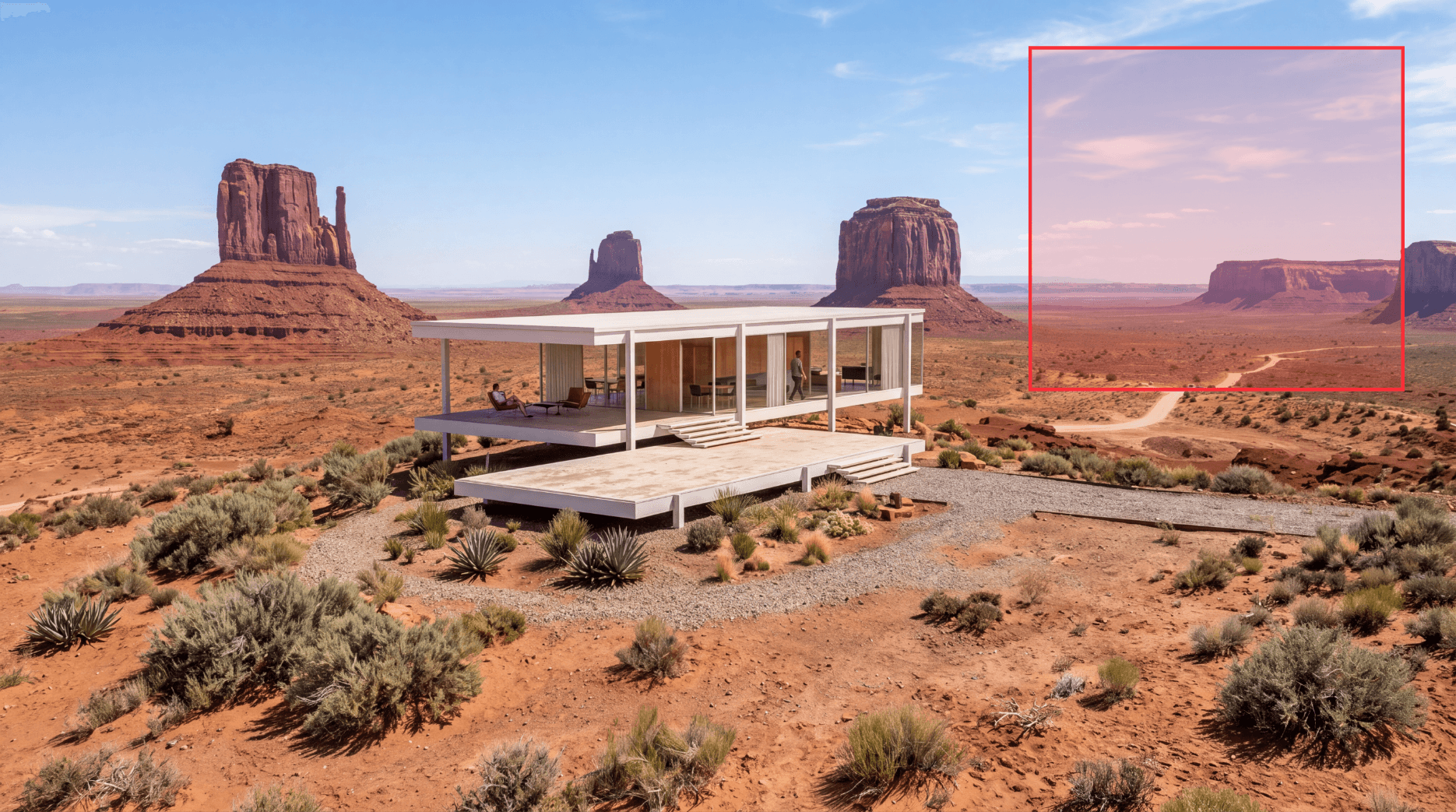
Only that patch regenerates. The rest of the image stays as it was.
[1]
Upload an architectural still as JPG, PNG, or WebP. A 3D model is optional.
[2]
Select orbit, dolly, pan, or flythrough — or describe the camera move in plain language.
[3]
Receive an MP4 in roughly three minutes, ready for clients, competitions, or social posts.
AI architectural rendering that fits into real project days.
01
Full presentation renderers during early design eat hours you do not have.
Lighting, materials, then a long wait for the frame — and half the day is gone.
Rendervis takes on that work instead, delivering photoreal architectural images in under a minute with AI.
You practice architecture, not full-time CGI.
02
Legacy architectural rendering tools demand strong machines and fiddly installs.
Rendervis runs on cloud GPUs: nothing to install, no hardware bar, no machine grinding to a halt.
Open a browser tab and start rendering.
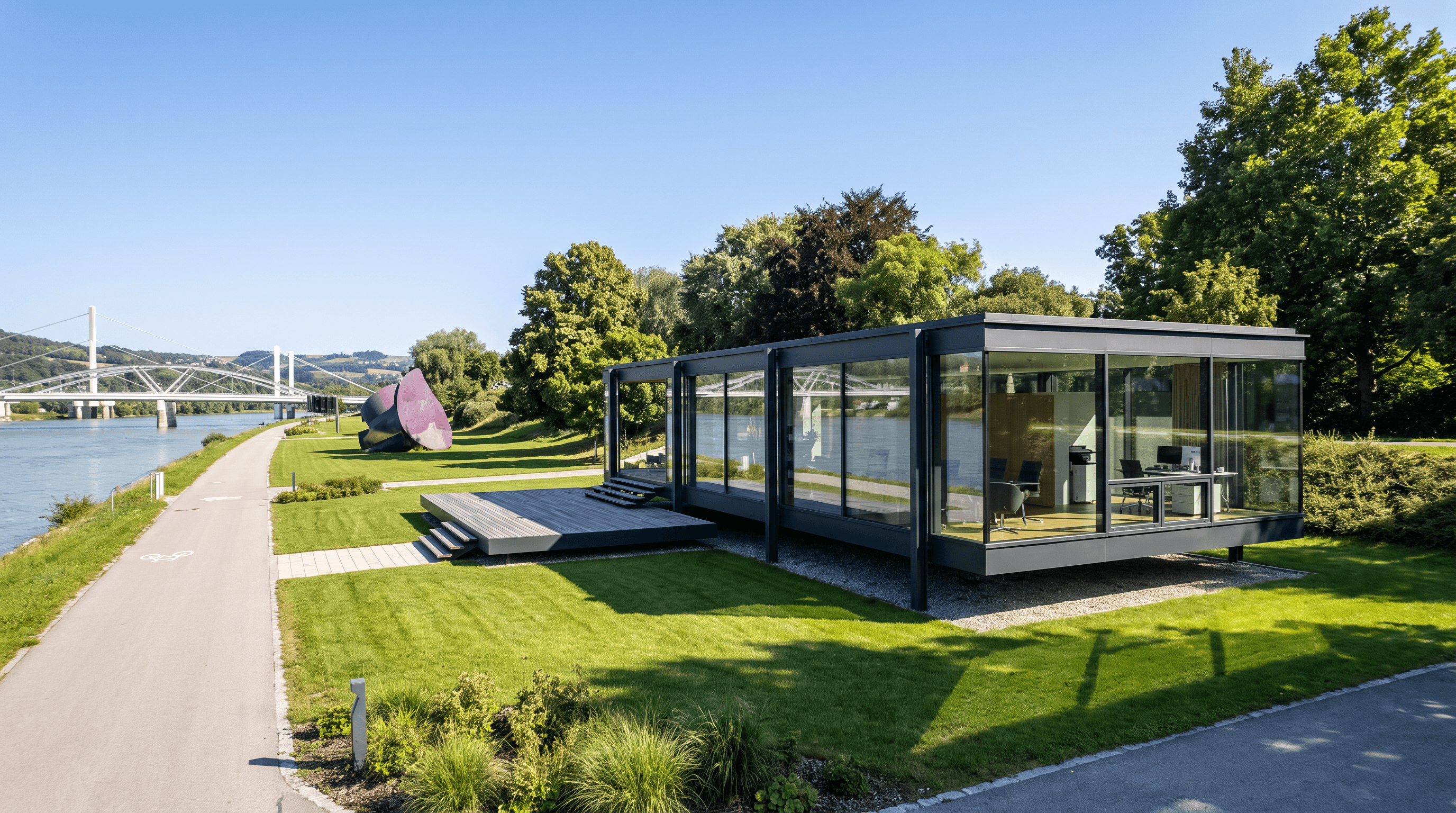
03
Cloud delivery means Mac, tablet, and phone all work.
Feed it architectural work from any CAD or modeling app as JPG, PNG, or GLB, plus freehand sketches and line drawings.
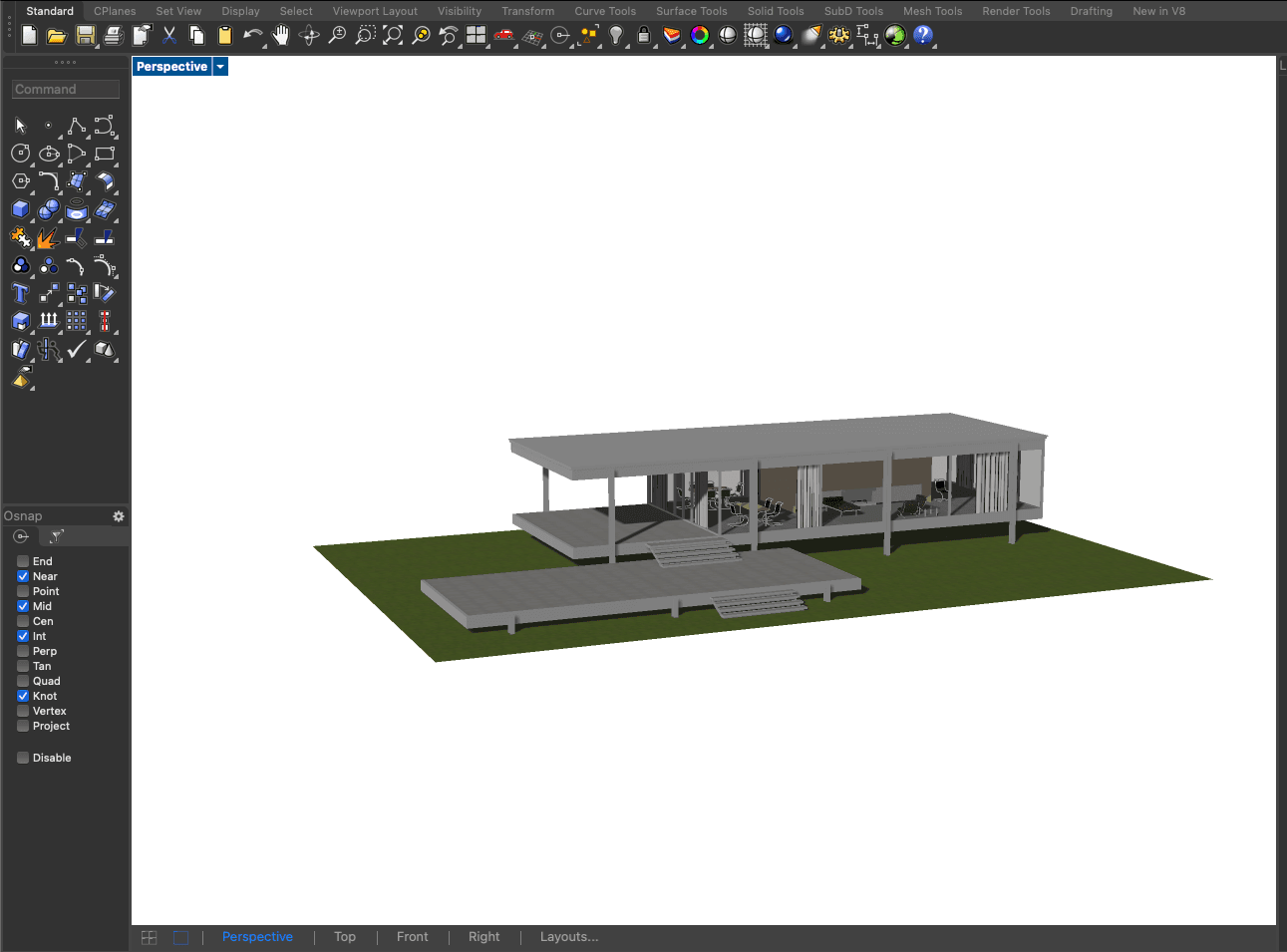
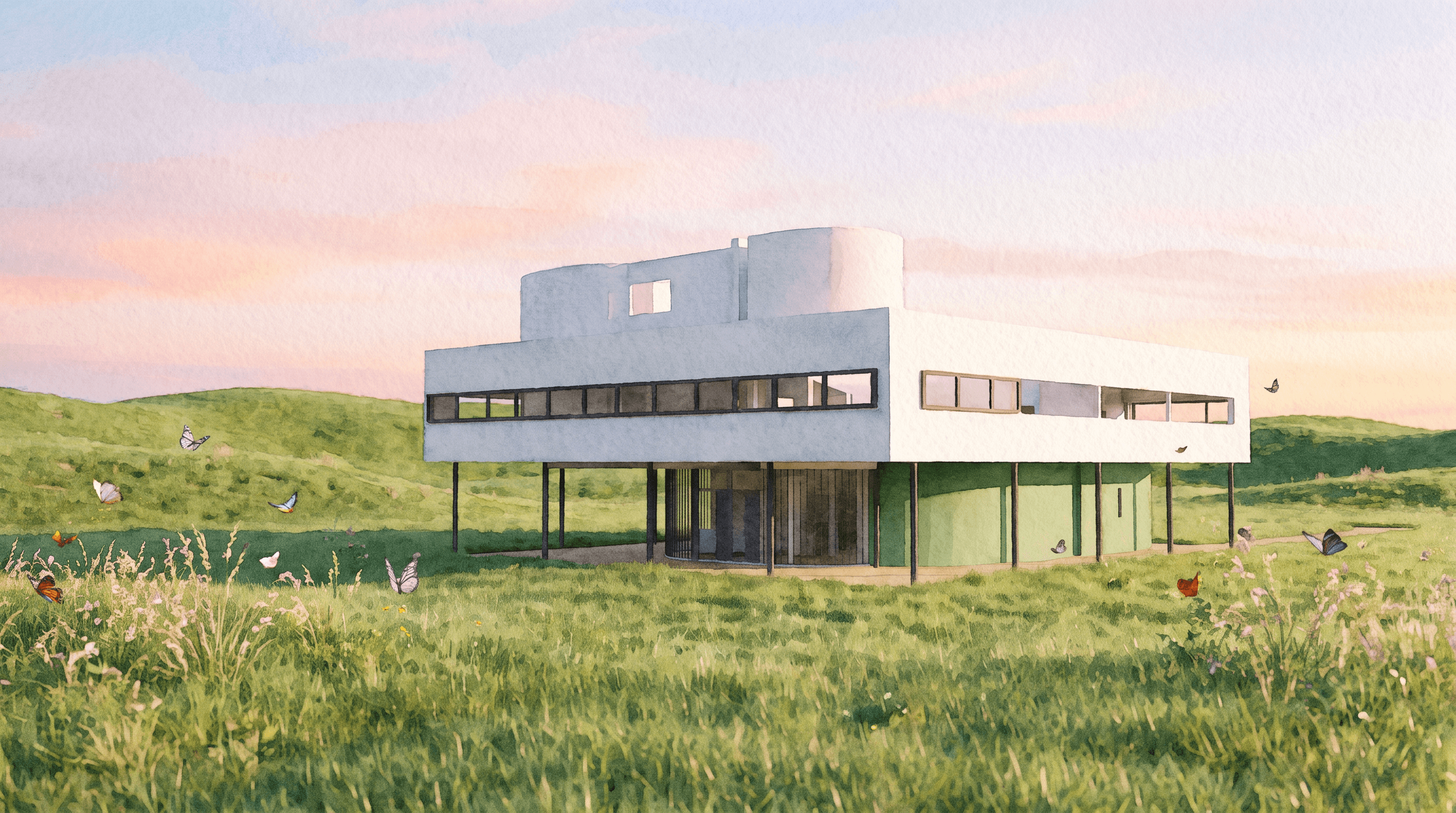
Share massing and mood before a heavy visualization round.
Sharp photoreal stills and short clips that make the design stick.
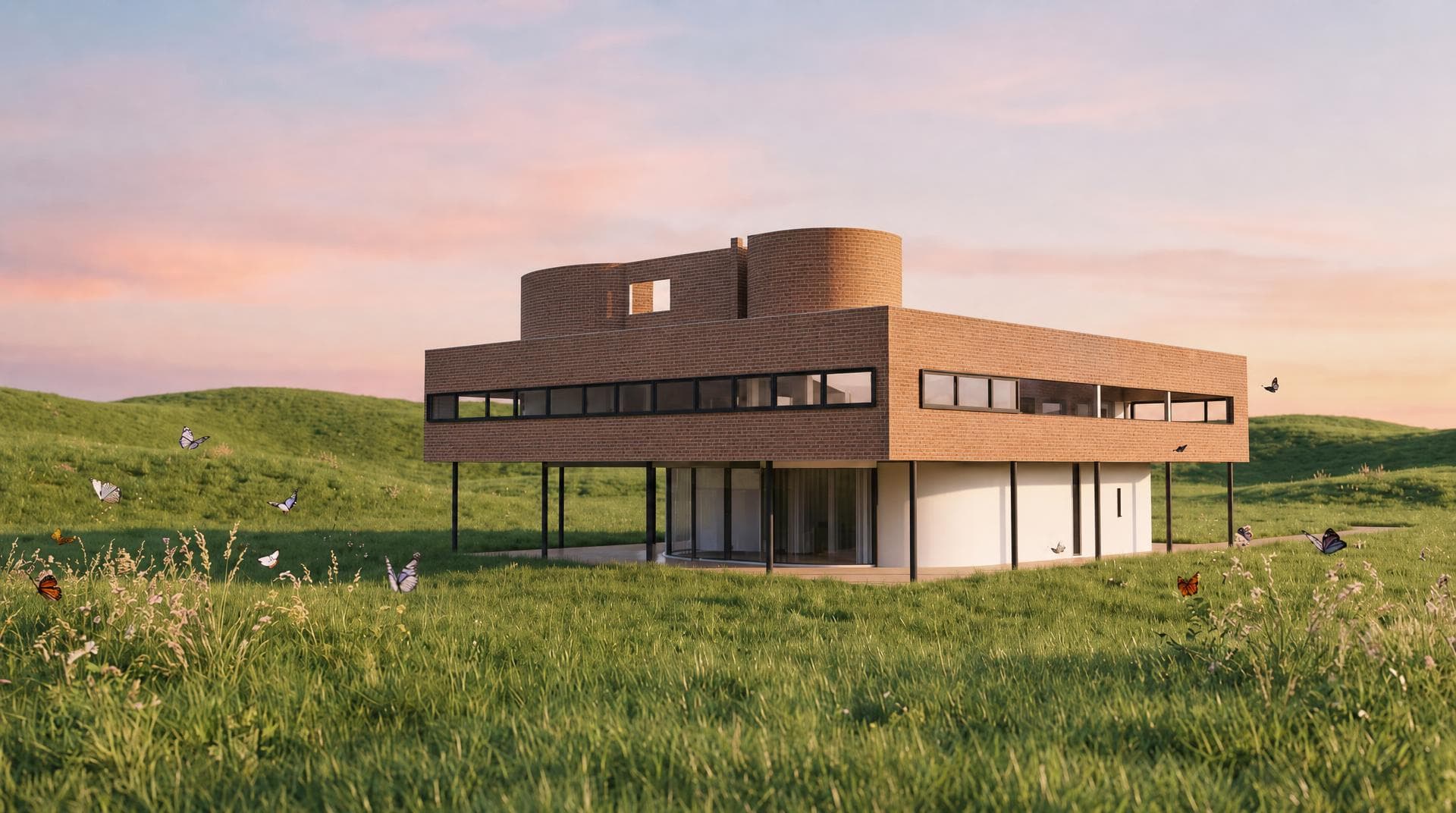
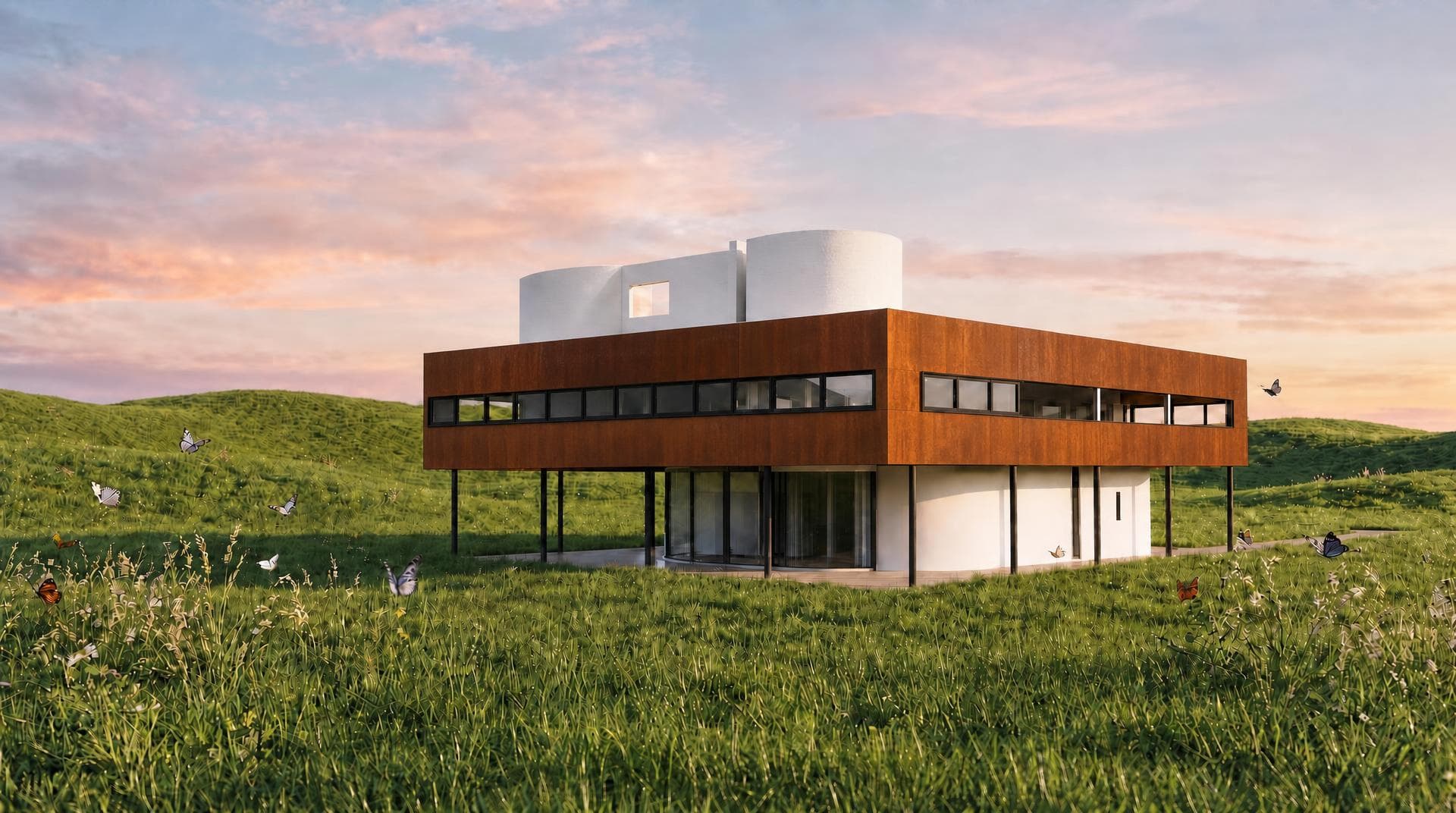
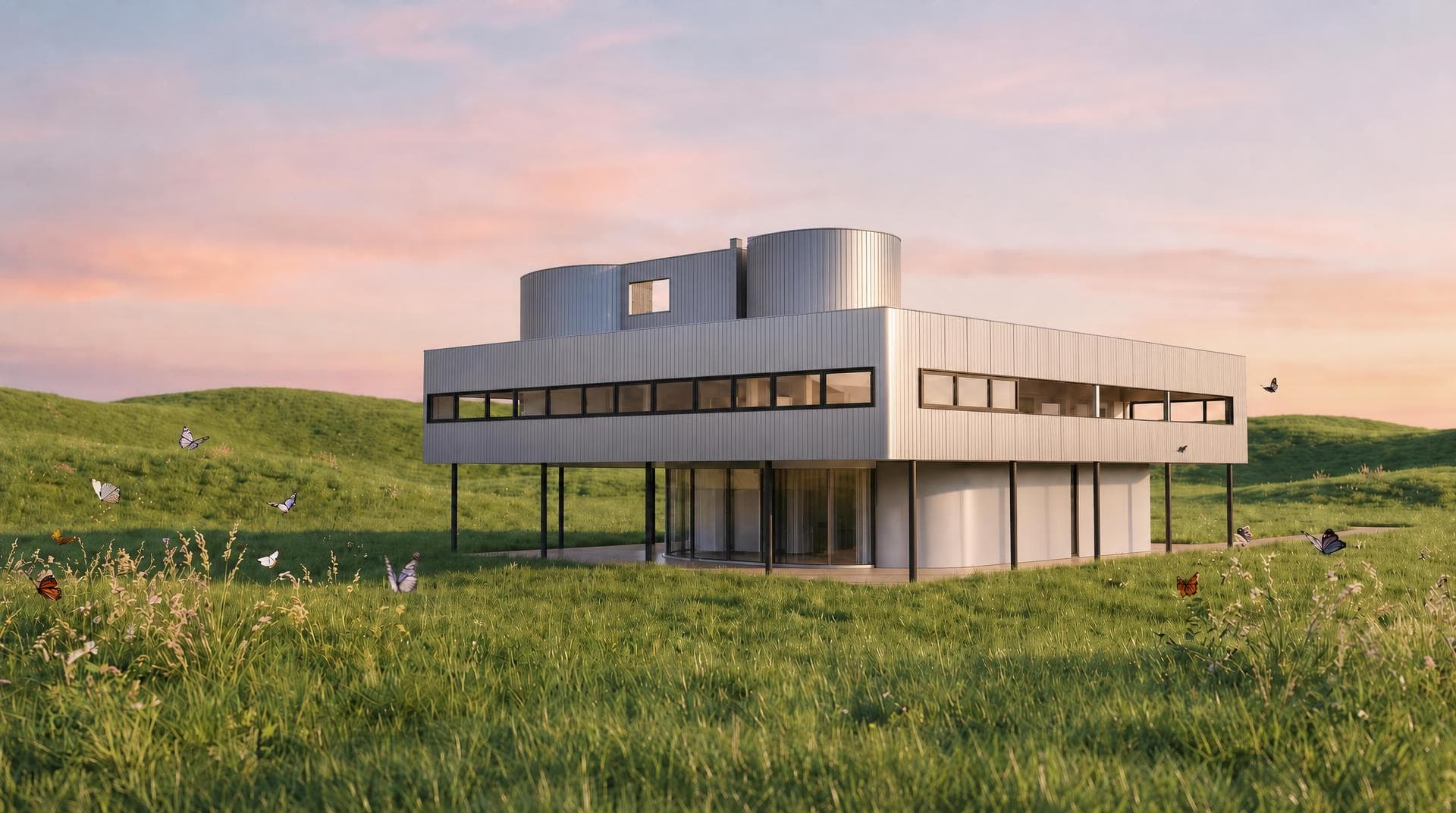
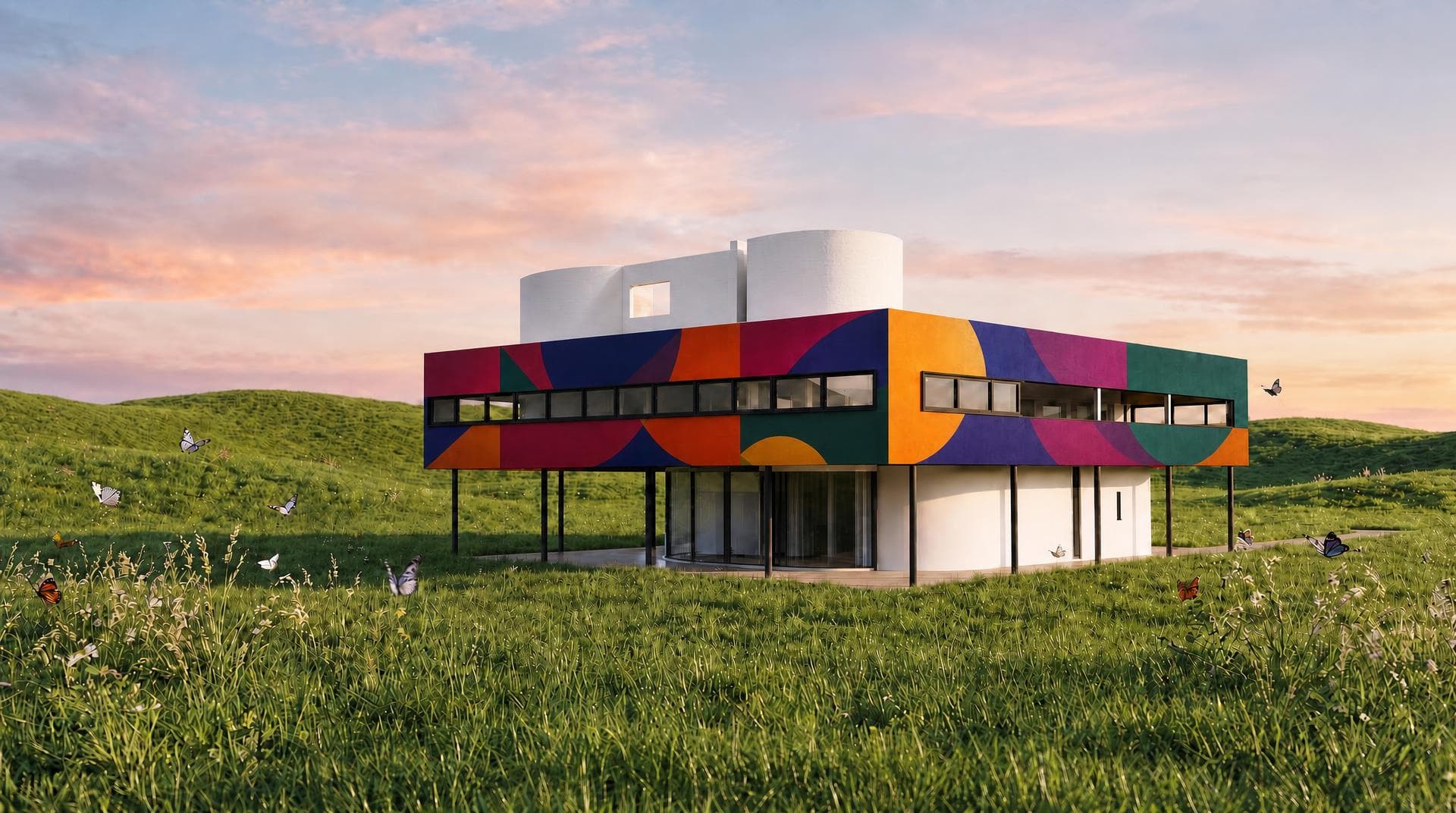
Line up brick, corten, glass, and color on one view.
Let clients know the place, not only the volume.
Every image you generate with Rendervis is yours. Your uploads and renders stay private to your account.
Uploads and account data are protected with industry-standard encryption in transit and at rest.
Our infrastructure is built for consistent performance, so a last-minute client presentation is not held up by a local machine struggling to render.
Under 1 min
Per render
0
Learning curve
0
Installs needed
Sign up and begin with the sketch, model, or plan you already use.