 Rendervis
[1]
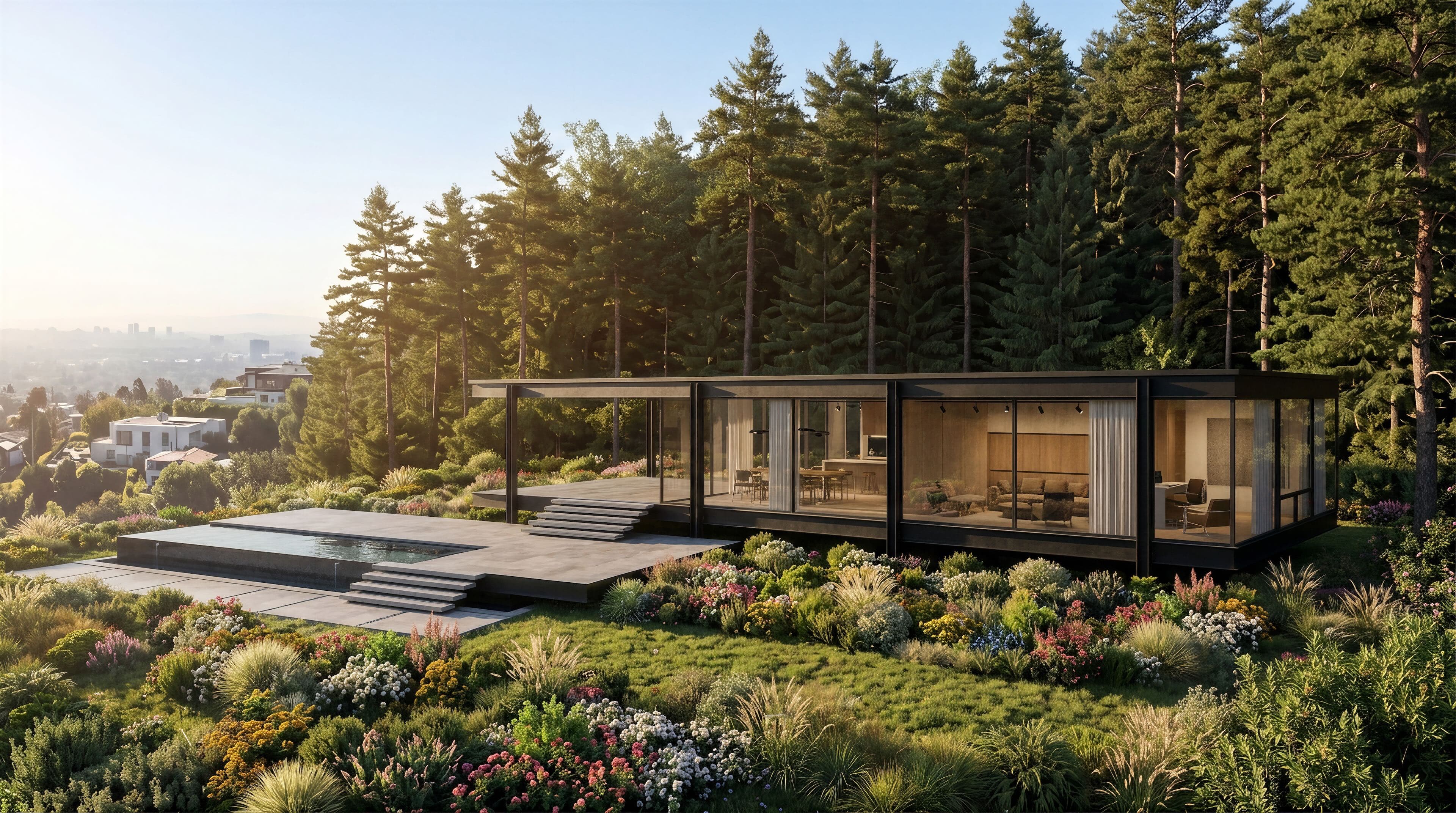
Add your render
Upload any architectural or interior still in JPG or PNG. No 3D model or scene file required.
Animations
Upload a finished render, choose a camera movement, and download an MP4 in 3 minutes, no 3D model, no animation timeline, no render farm.
3 min
Render to video
0
Learning curve
Zero
Installs needed
Any browser
Where it runs
JPG / PNG
Upload formats
Traditional walkthroughs mean camera paths, keyframes, and hours of rendering. Rendervis starts from the image you already have, the one you made for the client meeting yesterday.
[1]
Upload any architectural or interior still in JPG or PNG. No 3D model or scene file required.
[2]
Choose a cinematic move like orbit, dolly, pan, or flythrough, or describe the exact camera motion in your own words.
[3]
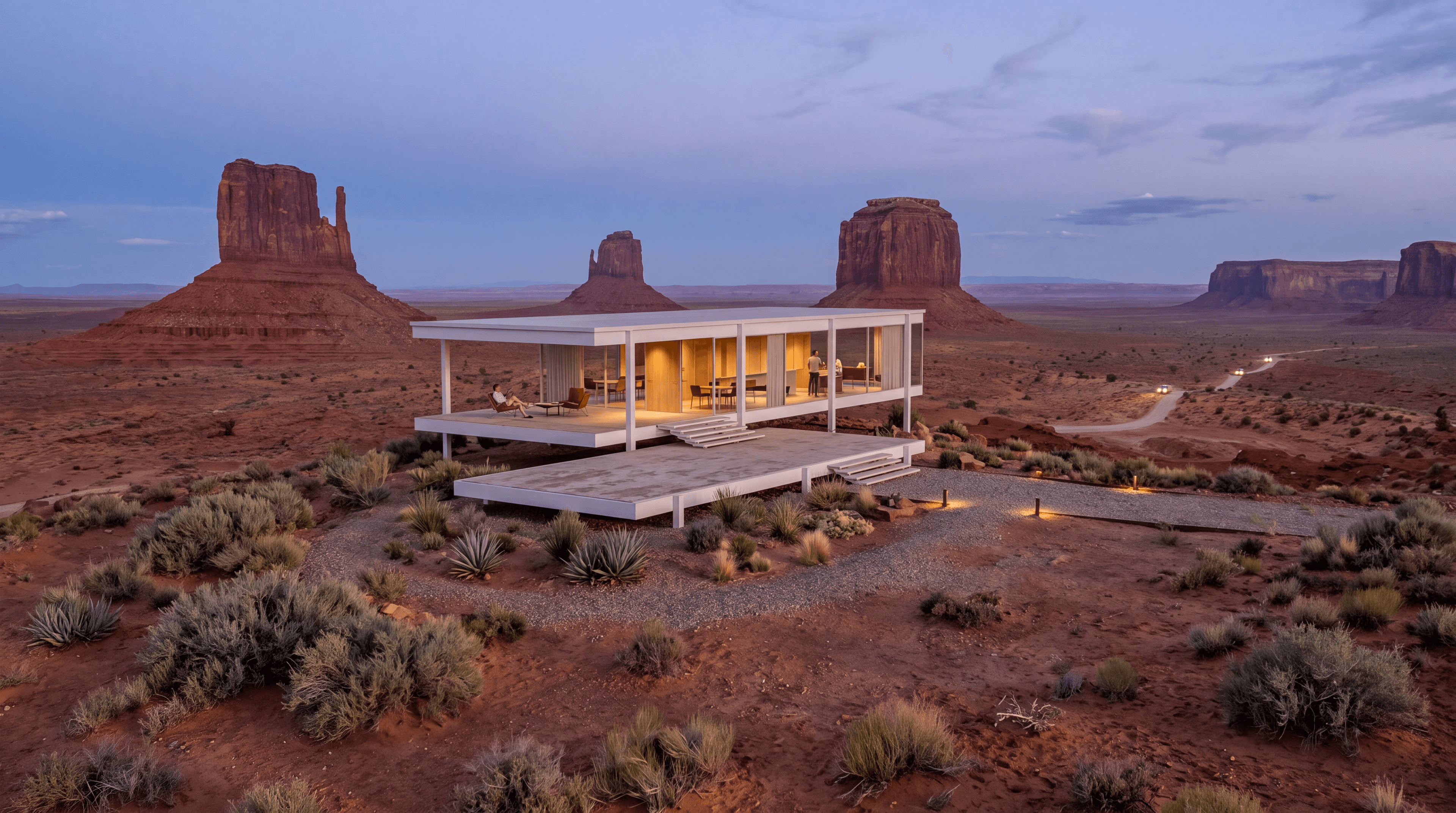
Press animate and get an MP4 in 3 minutes, ready for presentations, competitions, or social.
Start from a preset and refine with a prompt, or describe the full move from scratch.
Move through the space at human height. Ideal for showing flow, rooms, and how a building reads from the inside out.
Pull back and rise above the site. Reveal the full building and its context like cinematic drone footage.
Watch light, weather, or atmosphere shift across a fixed view, perfect for showing a facade from day to night.
Circle the design at a steady height to show massing, material changes, and every elevation in one smooth pass.
Describe the camera path in plain language when presets are not quite right, dolly in, crane up, or cut between two views.
What used to take a specialist and a workstation now happens from a still image in the browser.
Win more clients with cinematic building animations, for competitions, planning approvals, and design presentations.
Show how a space feels before it is built, lighting, materials, and circulation in motion, not just in a still.
Give stakeholders a dynamic preview before ground breaks, align teams and speed up approvals with a shareable MP4.
Orbit products smoothly for e-commerce, catalogs, and social, without building a full 3D animation pipeline.
Start from a sketch, model export, or plan and get a still render in under a minute, then animate it on the same canvas.
Rendering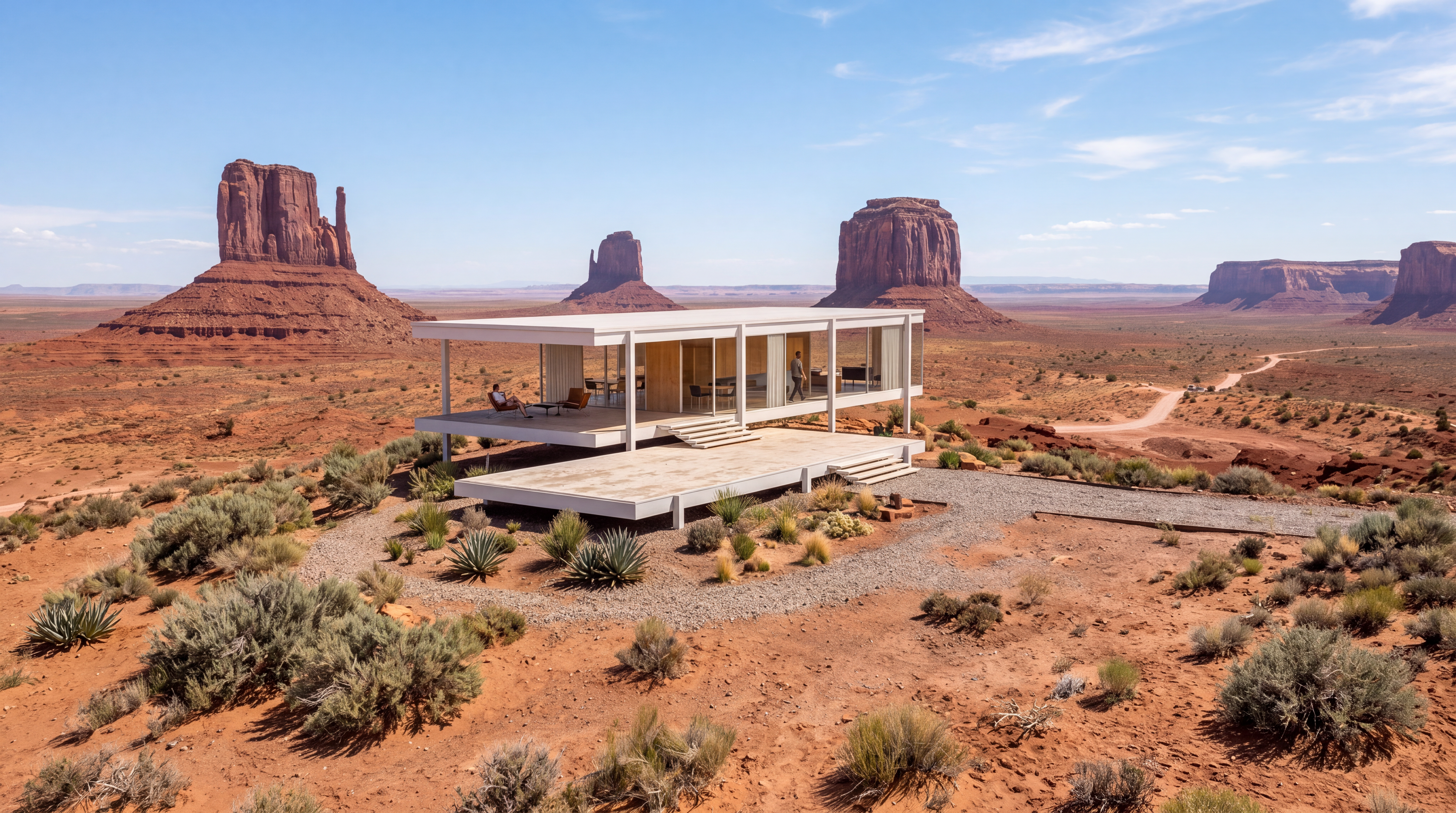
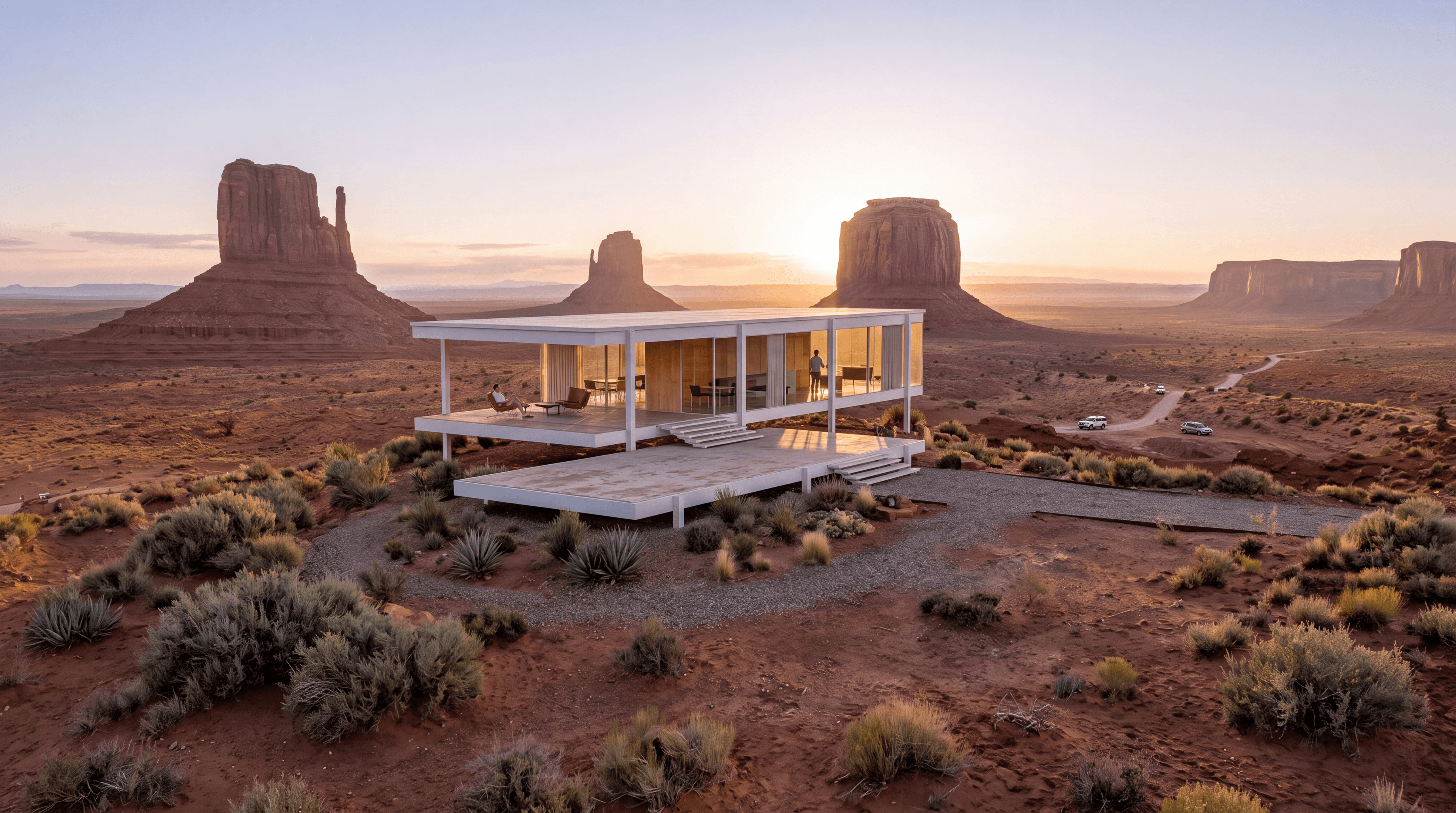
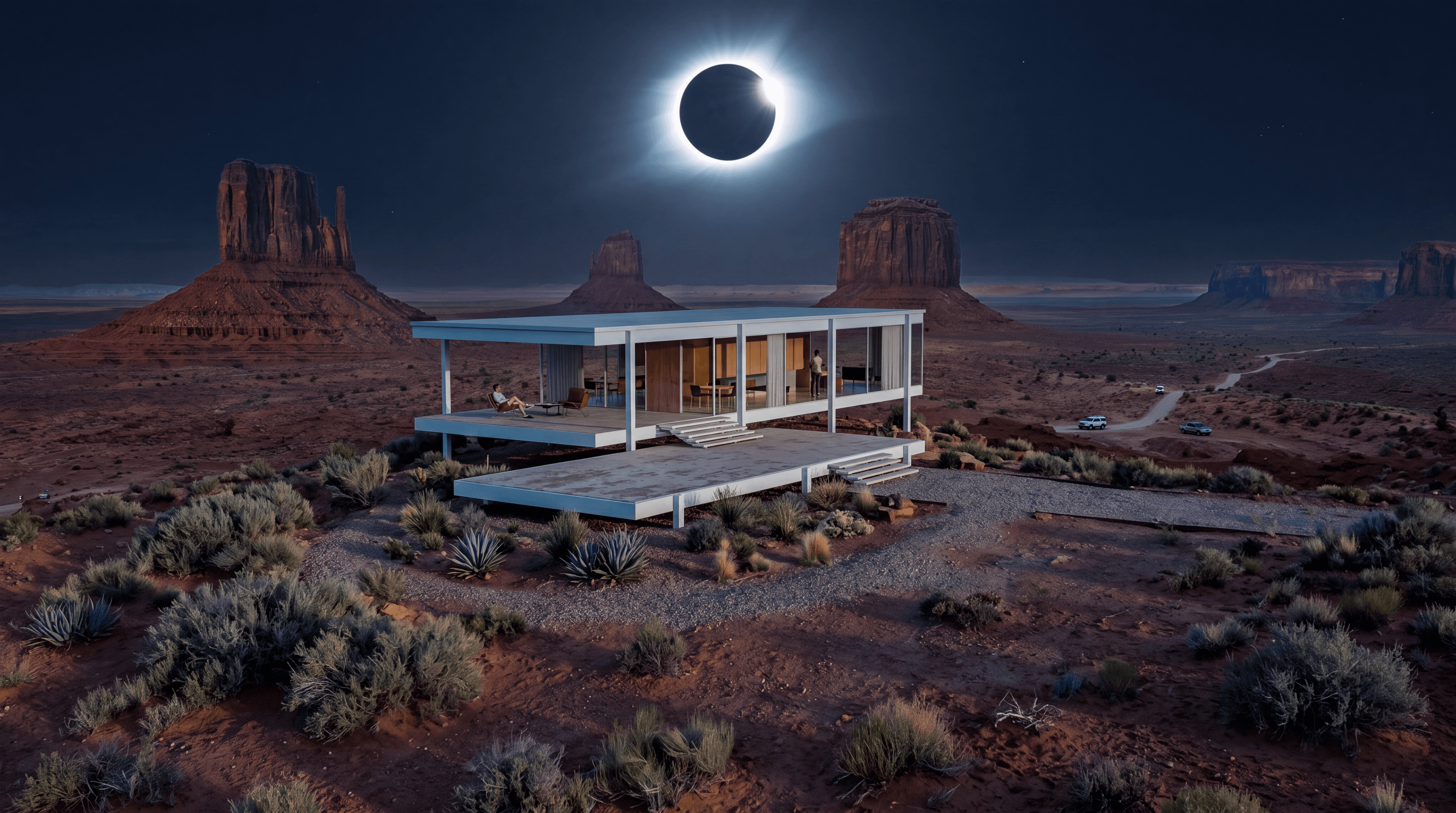
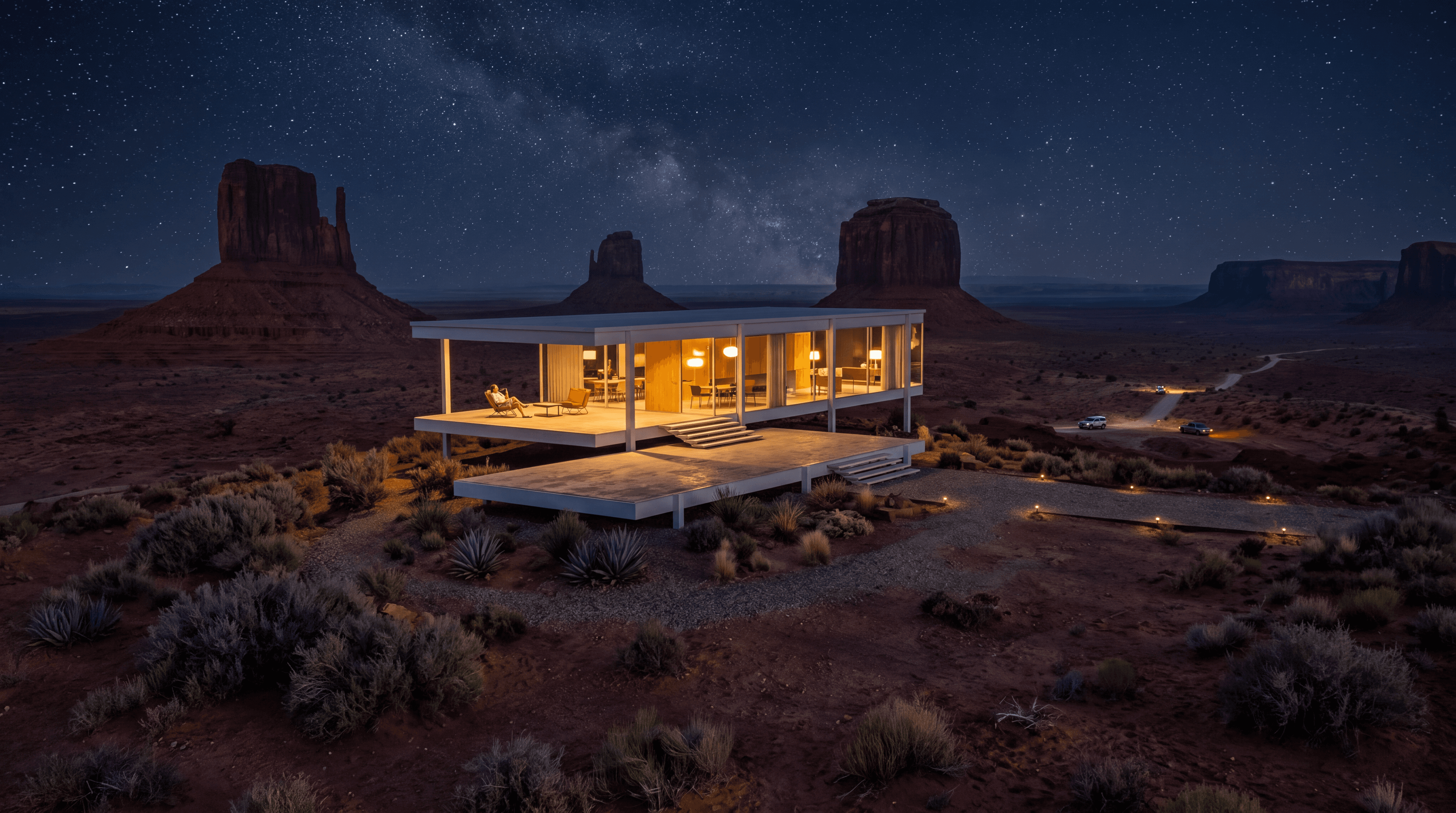
Test sunrise, noon, sunset, and night on the same view before you commit to an animated timelapse.
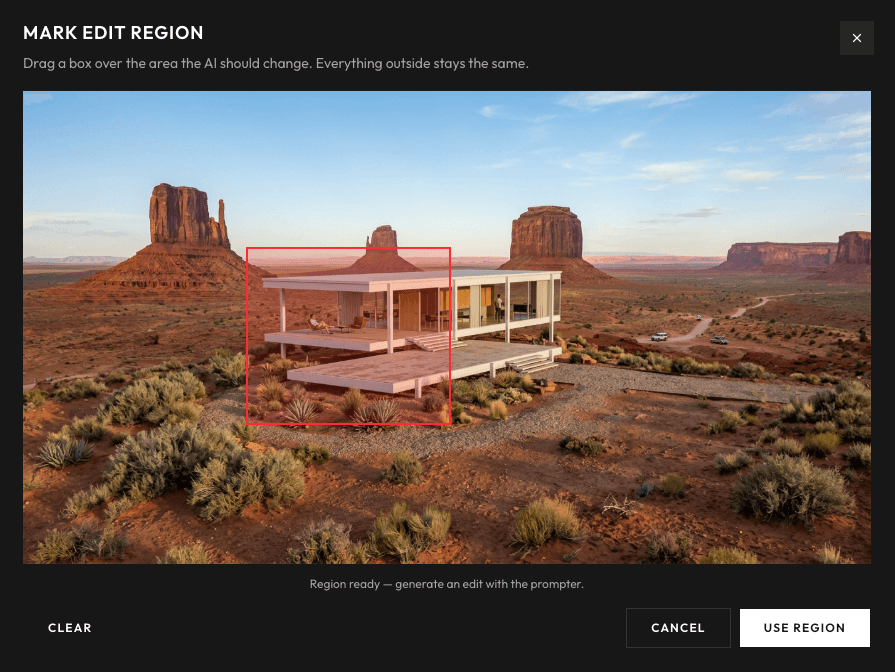
Fine-tune materials and details on the still before you generate motion, so the video starts from the right image.
Export a still from SketchUp, Revit, Rhino, or any renderer, then upload it to animate.






No timeline to learn, no model to rebuild. Upload a still and get a cinematic MP4 in 3 minutes.