 Rendervis
[1]
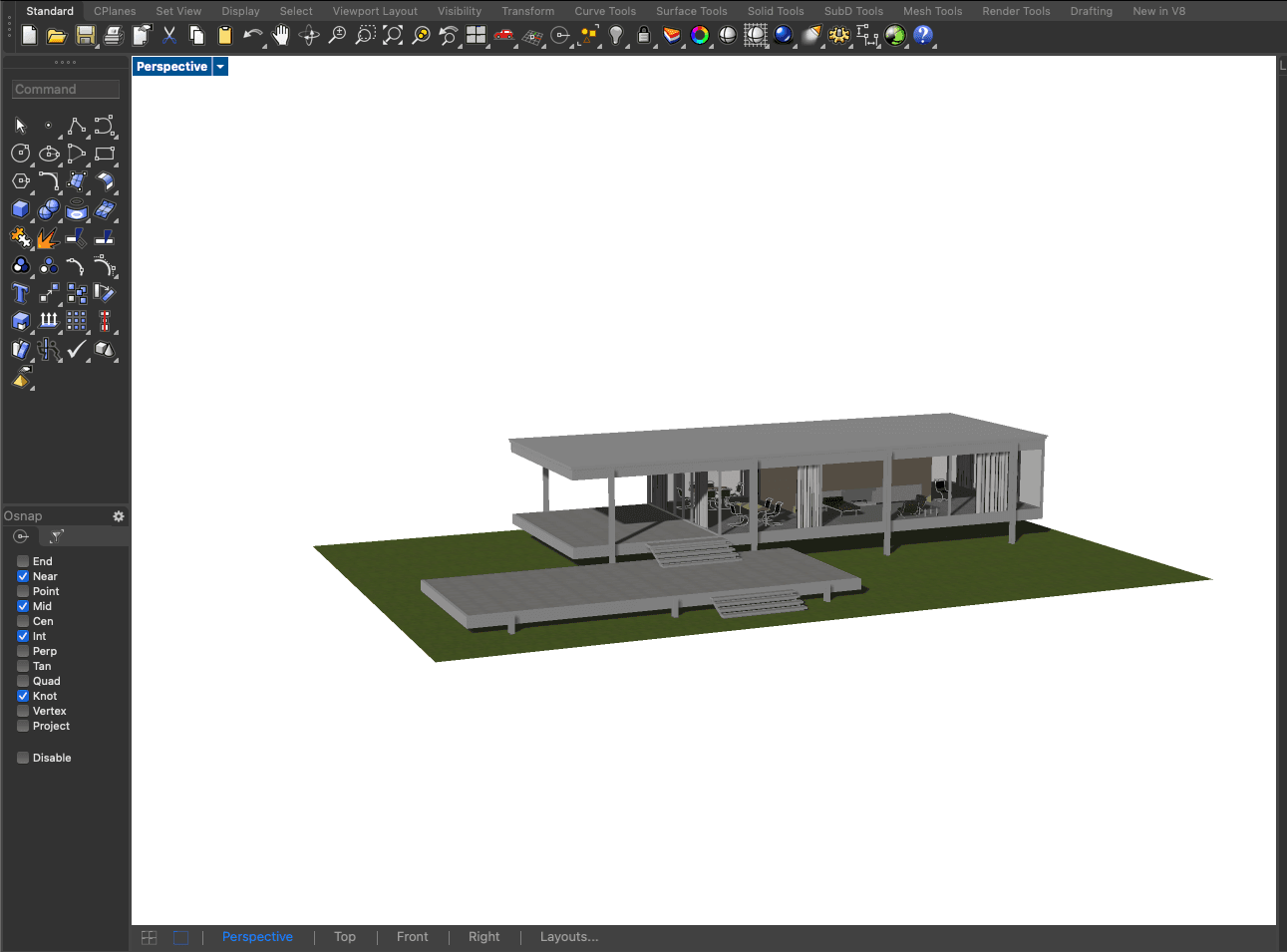
Bring your design
Upload a sketch, screenshot, GLB model, or floor plan from SketchUp, Revit, Rhino, Archicad, or any tool that exports images.
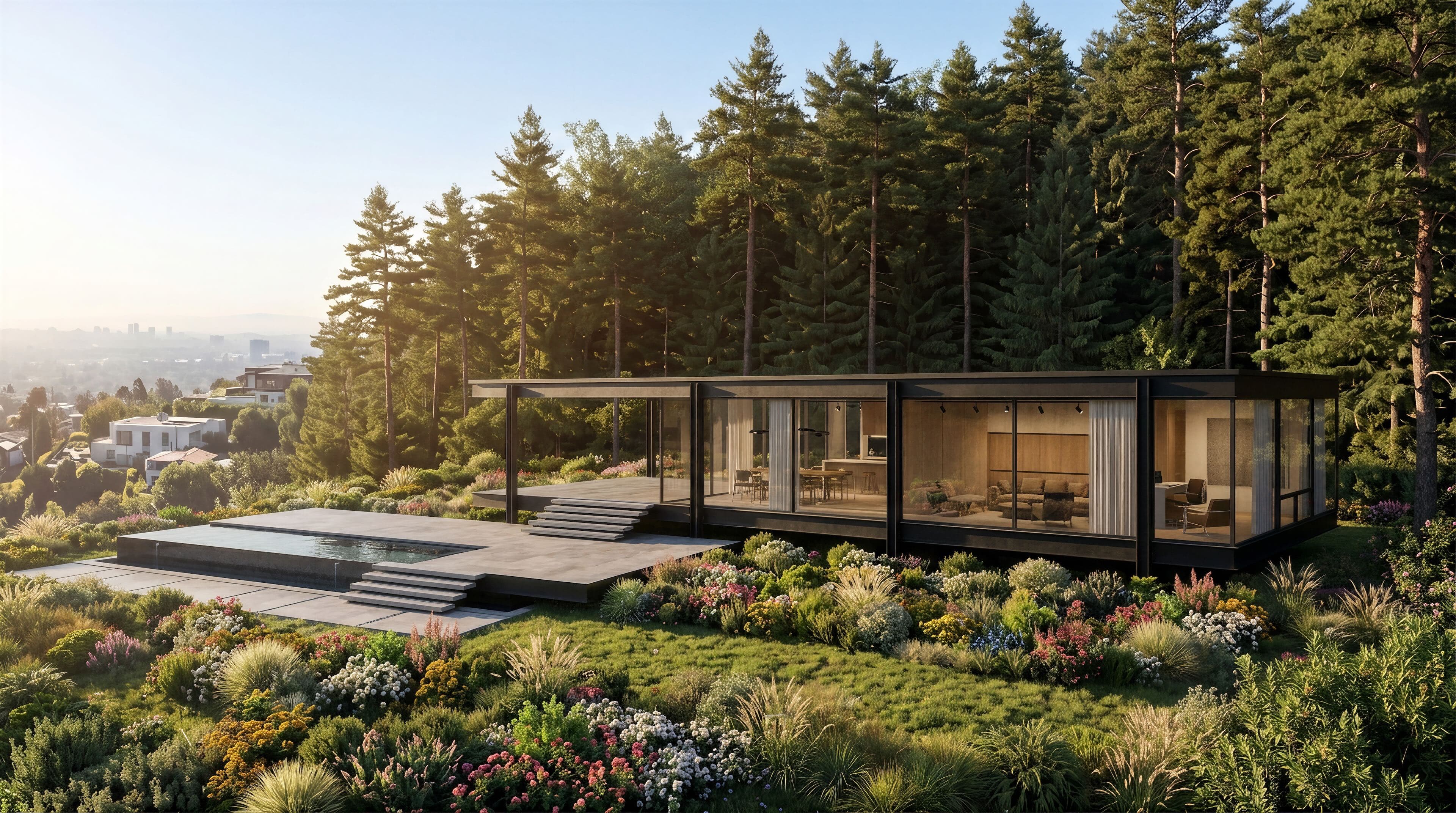
Rendering
Upload a sketch, model export, or floor plan. Rendervis handles lighting, materials, and atmosphere, so you can stay in the design flow.
Under 1 min
Per render
0
Learning curve
Zero
Installs needed
Any browser
Where it runs
JPG / PNG / GLB
Upload formats
Most rendering tools assume expensive workstations, long setup times, and specialist know-how. Rendervis is different: open your browser, upload your design, and iterate in minutes, not days.
[1]
Upload a sketch, screenshot, GLB model, or floor plan from SketchUp, Revit, Rhino, Archicad, or any tool that exports images.
[2]
Choose photorealism, swap facade materials, or switch to a drawing style, all guided by simple prompts.
[3]
Rendervis generates a presentation-ready image in under a minute. Branch into new versions on the node canvas whenever the design shifts.
Once you have a result, keep refining, relight the scene, edit regions in detail, upscale for print, or explore alternate styles without starting over.
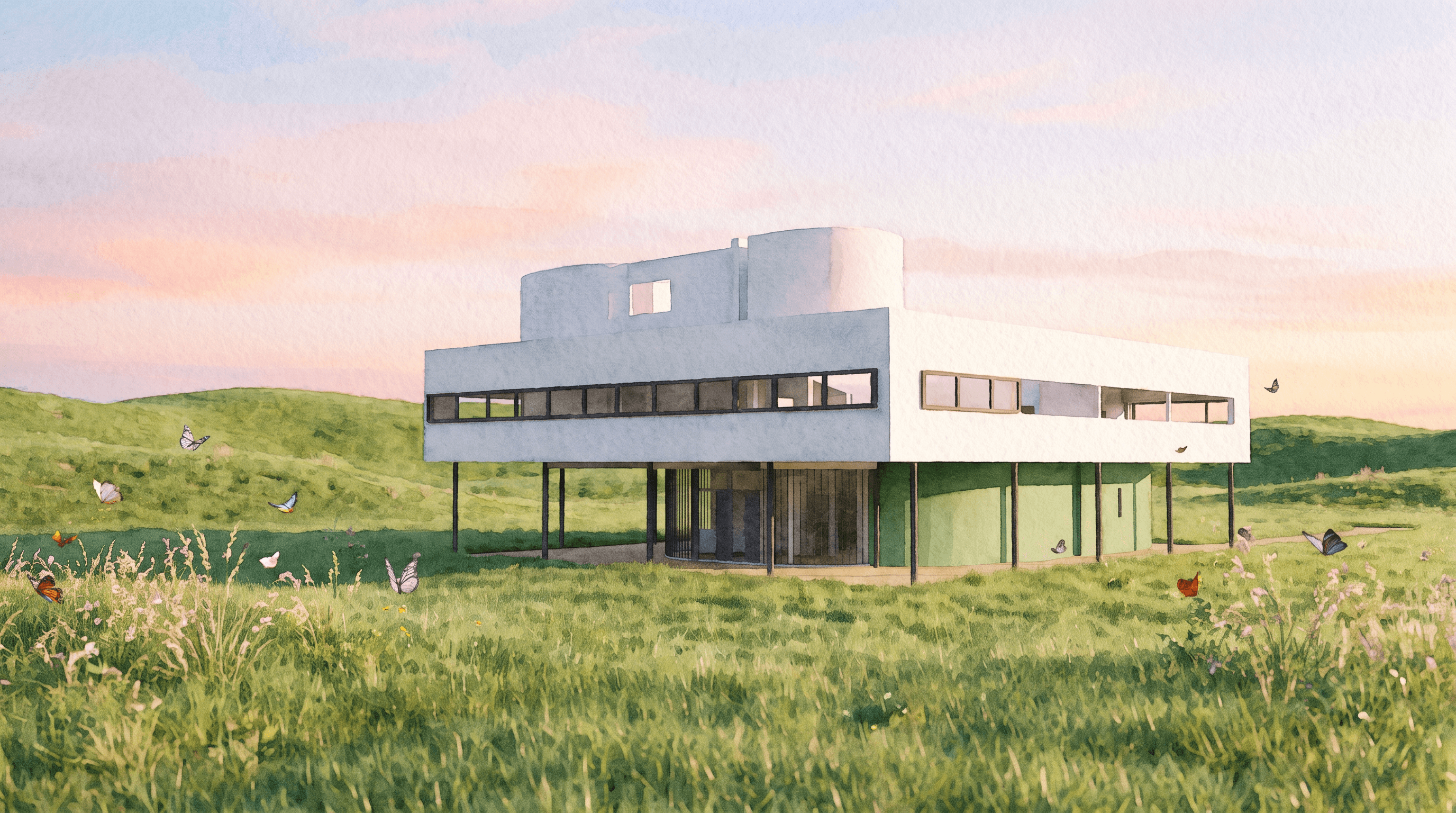
Start photoreal and swap brick for corten, or jump to sketch, watercolor, and line drawing. Every version on one canvas.
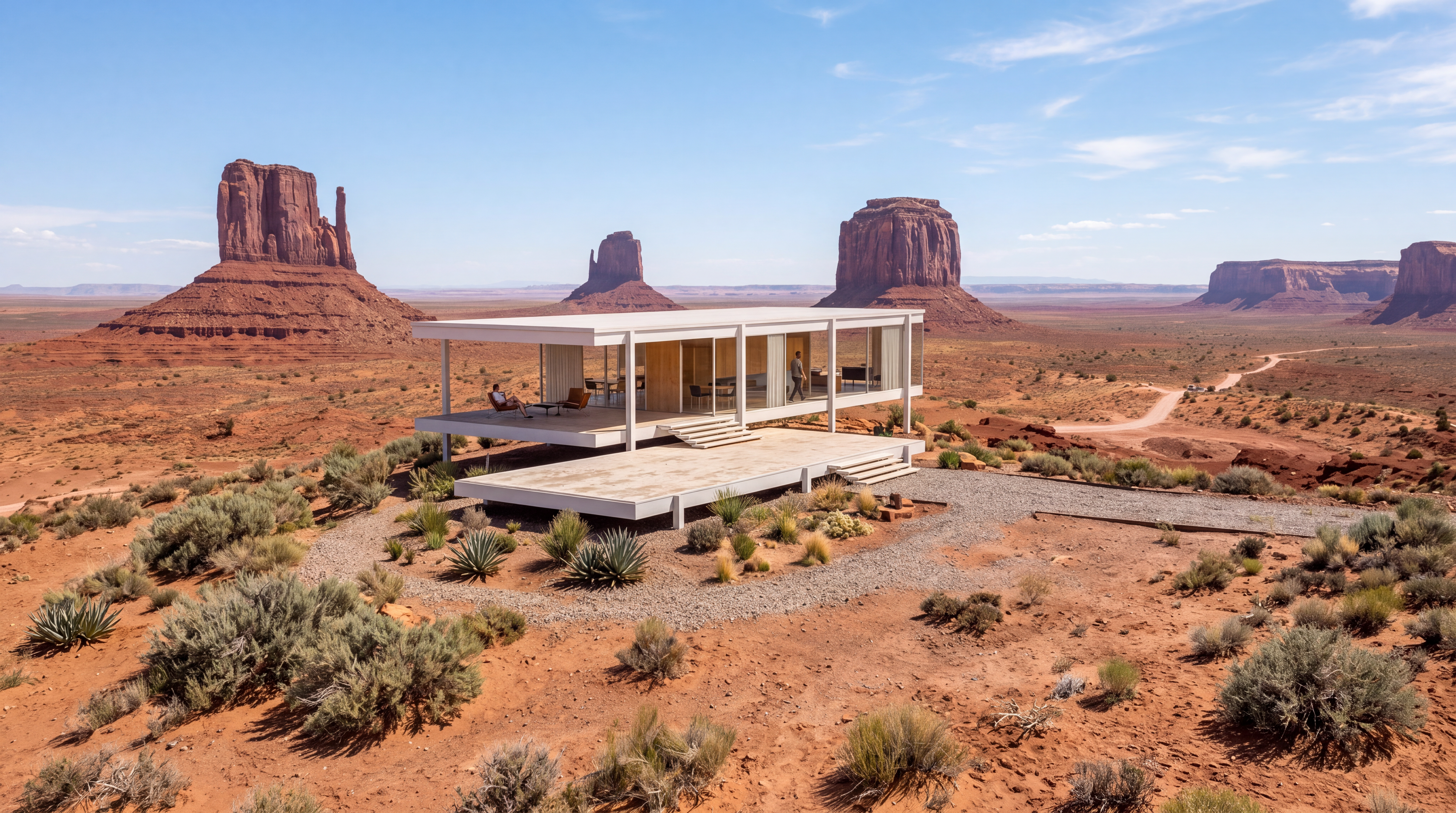
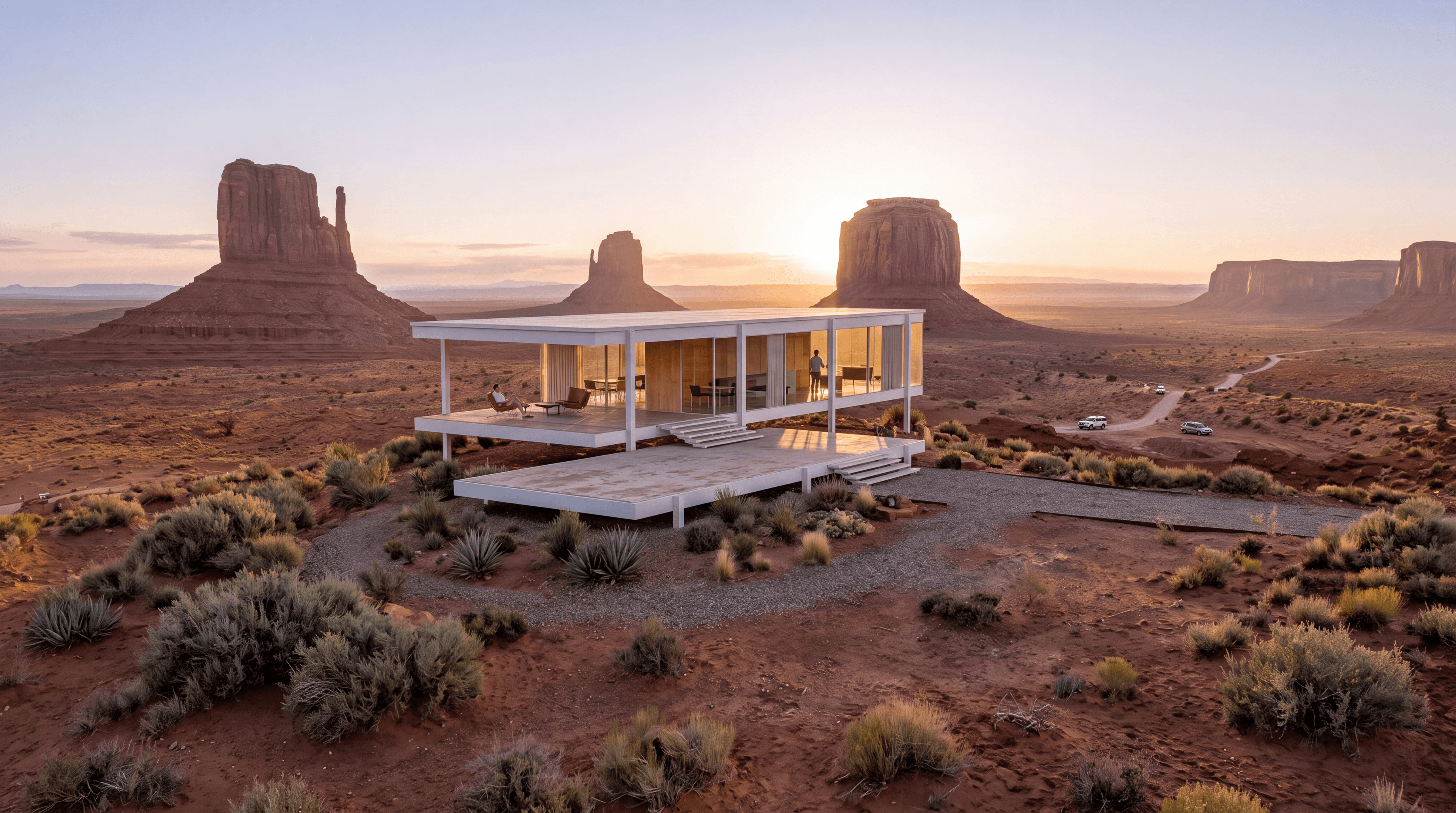
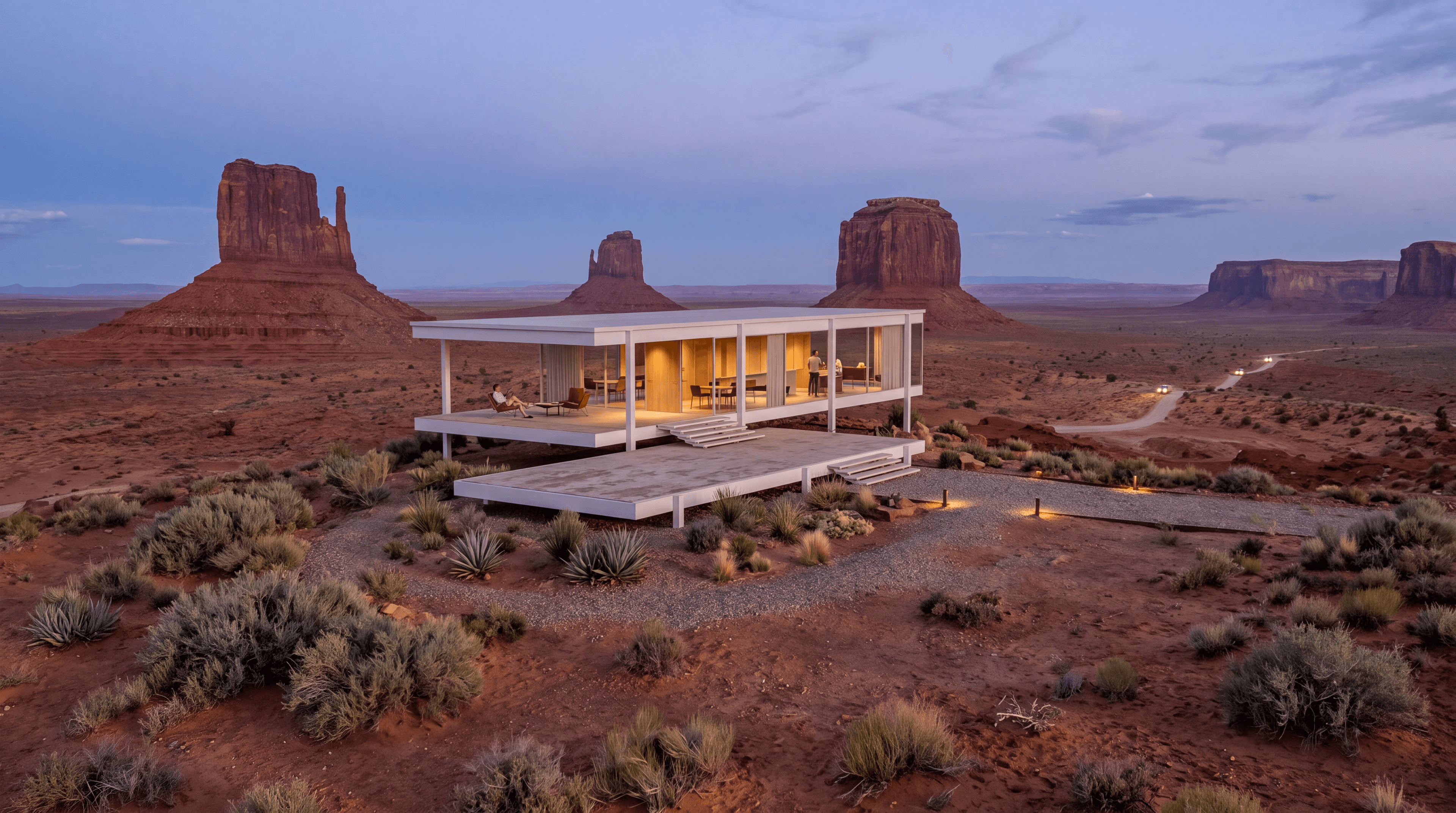
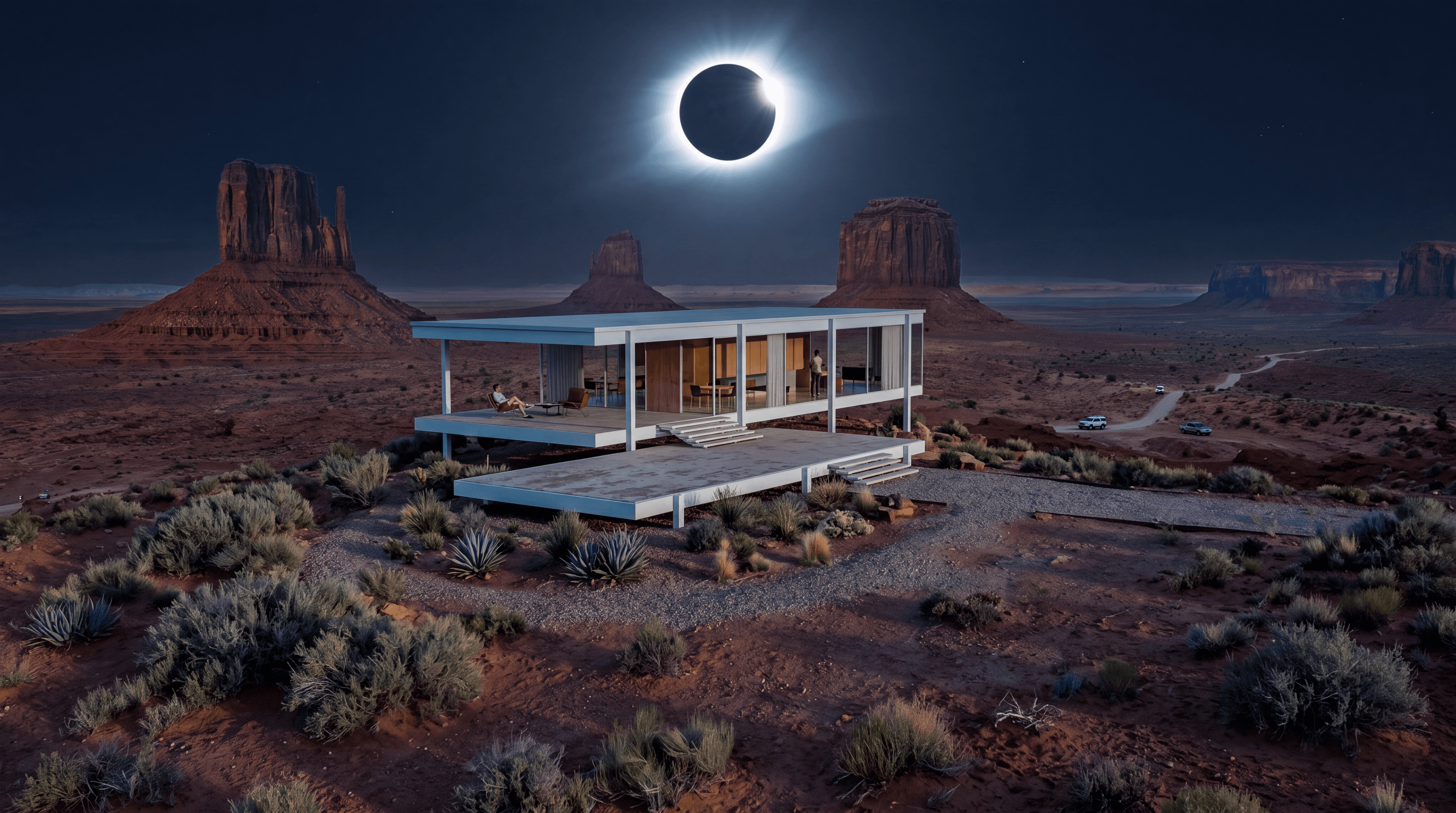

See your project at sunrise, noon, sunset, or night without rebuilding the scene or waiting on a render queue.
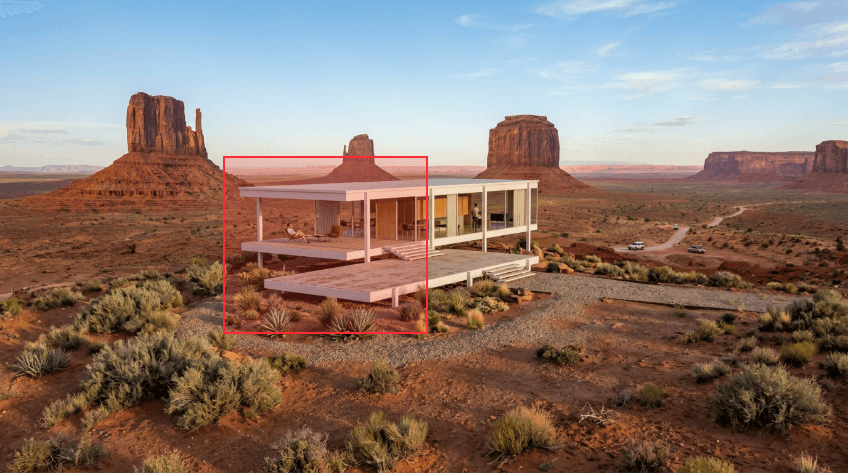
Mark a region and describe the change, swap materials, add or remove details, or refine a facade without re-rendering the whole scene.
Upscale your render up to 4× with added detail, ready for boards, panels, and large-format prints.
Turn a finished render into a walkthrough, flyover, or timelapse, ready to share as MP4 with clients or on social.
Upload JPG or PNG exports, or lightweight GLB models, no plugin required.






If you can upload an image and describe what you want, you can render with Rendervis. No nodes to wire, no GPU to configure, no overnight batch jobs.
Rendervis handles the lighting, shading, and material work that used to eat hours of your day, so you can communicate ideas while they are still forming.
Rendering runs in the cloud on GPUs. Use Rendervis on Mac, Windows, or Linux, from the office, a site visit, or a client meeting.
Every image you generate with Rendervis is yours. Your uploads and renders stay private to your account.
Uploads and account data are protected with industry-standard encryption in transit and at rest.
Our infrastructure is built for consistent performance, so a last-minute client presentation is not held up by a local machine struggling to render.
No installs, no render farm, no specialist setup. Just your design and a browser.