Renders in minutes,
not days.
Turn a sketch, a massing model or a site photo into a photoreal render. Try new materials, seasons and times of day without rebuilding the scene.
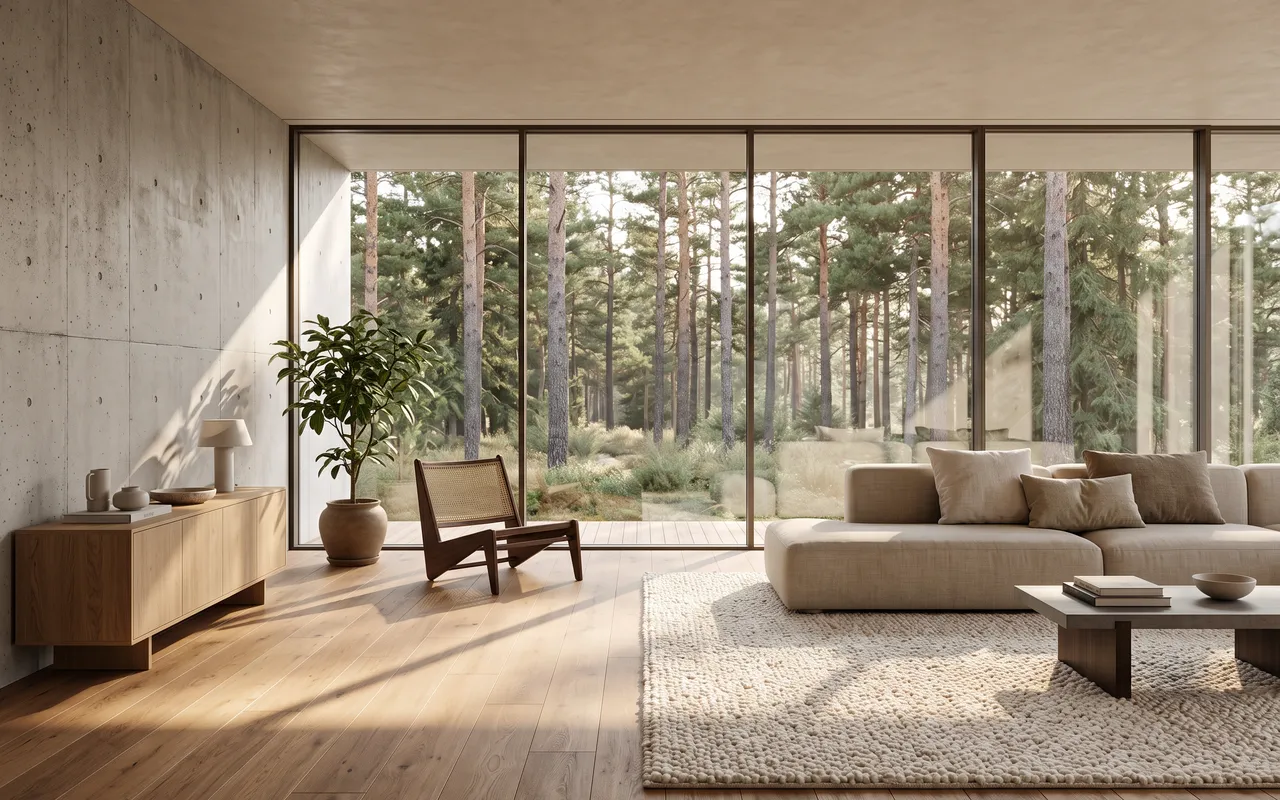
Render this sketch as a calm living room with floor to ceiling windows onto a pine forest, warm afternoon light
Your workflow,
one click away.
Save your presentation set as a skill. Every new design gets the same renders, variants and walkthrough your clients expect.
Our standard client presentation for every new scheme.
- Photoreal render at dusk, warm interior light
- Daylight and winter variants
- Slow walkthrough clip from the hero view
- Upscale the stills for print boards



Describe it to Bob once. He plans the steps, picks the models and saves the skill to your workspace.
How skills work
Three steps.
That is it.
No prompt engineering, no tab juggling. Describe what you want and refine from there.
- 1
Bring your design
A hand sketch, a screenshot of your model or a photo of the site.
- 2
Set the mood
Materials, season, time of day and furniture. Change one thing at a time and keep the geometry.
- 3
Present it
Upscale for print boards and turn stills into short walkthrough videos for clients.
Everything you need,
in one place.
The tools that matter for architecture and interiors, built into one fast library.
Photoreal in 4K
Presentation quality renders for boards, pitches and listings.
Swap materials
Oak to walnut, concrete to brick. Edit the detail and keep the composition.
Walkthrough clips
Animate a render into a slow camera move for client presentations.
Explore in 3D
Step inside a 3D world, find the best angle and capture it in 4K.
The right model
for the job.
Bob picks the best one for you, or choose yourself. All included in every plan.
 Nano Banana ProImage
 Flux 3Image
 Seedream 5.0 ProImage
 Kling Video 4.0Video
 Topaz Wonder 3.5Enhance
Questions, answered.
Anything else? Ask Bob, he is very chatty.
Will the render keep my design?
Yes. Reference based models follow the lines and proportions of your sketch or model, and you can edit just the parts you want to change.
Can I do interior staging?
Yes. Furnish an empty room, try different styles and swap individual pieces without regenerating the whole space.
Does it replace my rendering software?
For early concepts, mood studies and client options it is dramatically faster. Many studios use Rendervis alongside their existing pipeline for final renders.