Concept to mesh,
in one image.
Paint a concept, generate it from words or snap a photo, then get a textured 3D model you can spin, export and drop into your engine.
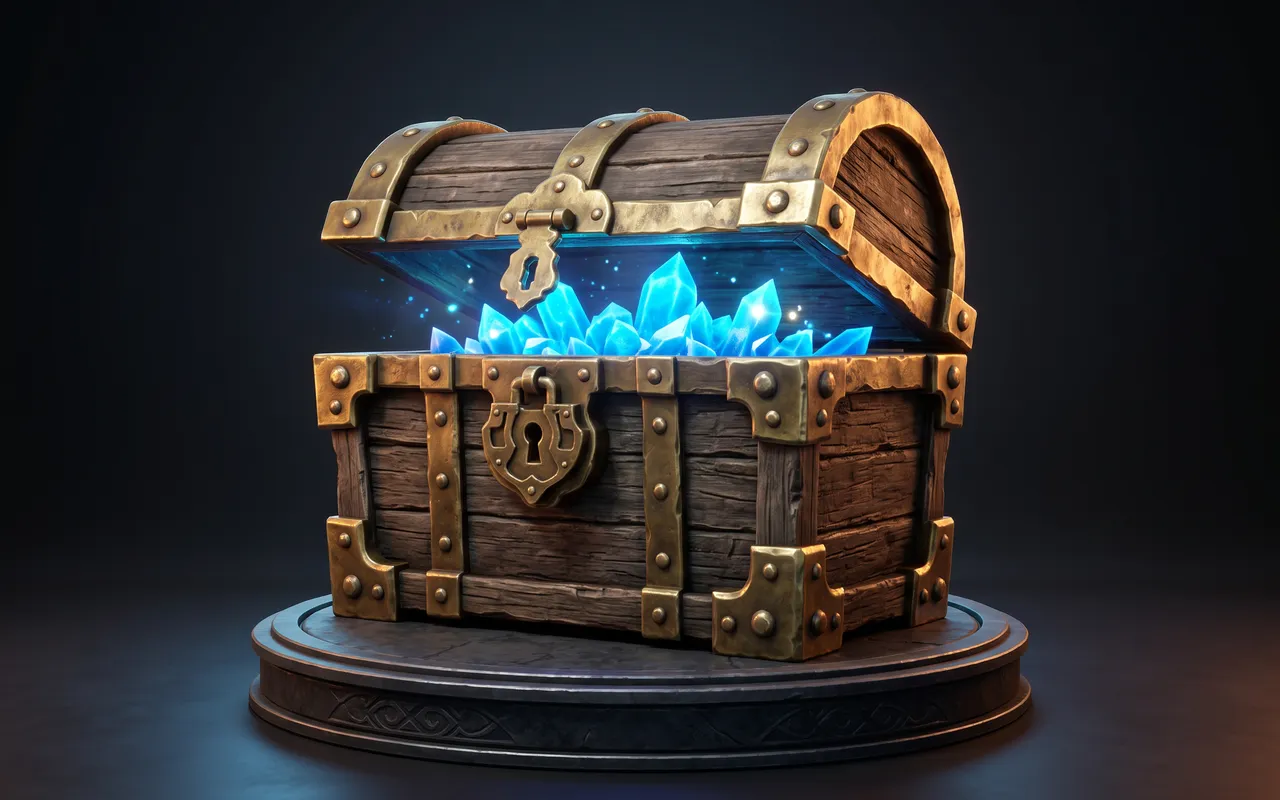
Turn this treasure chest concept into a textured 3D game prop I can spin
Your workflow,
one click away.
Turn your prop pipeline into a skill. Hand over a concept and get a clean reference and a textured model back, the same way every time.
From rough concept art to a textured, exportable model.
- Clean front view on a neutral background
- Textured 3D model from the front view
- Tag it as Props
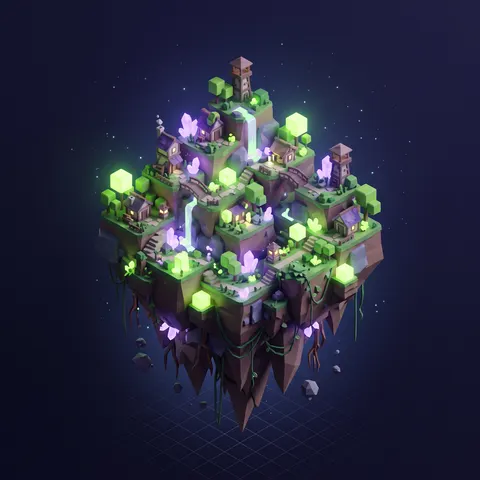
Describe it to Bob once. He plans the steps, picks the models and saves the skill to your workspace.
How skills work
Three steps.
That is it.
No prompt engineering, no tab juggling. Describe what you want and refine from there.
- 1
Start from an image
Concept art, a product photo or a fresh generation. One clear image is all it takes.
- 2
Generate the model
Rodin and Tripo build a textured mesh you can inspect from every angle.
- 3
Export and build
Download standard 3D formats for your engine, viewer or printer.
Everything you need,
in one place.
The tools that matter for 3d and game assets, built into one fast library.
Textured meshes
Clean geometry with materials, ready for prototyping and set dressing.
Step inside 3D worlds
Fly through a scene, save views and capture photos in 4K.
Concept art first
Iterate on the look in 2D before committing to a model.
Standard formats
Export files that open in Blender, Unity, Unreal and more.
The right model
for the job.
Bob picks the best one for you, or choose yourself. All included in every plan.
 Rodin 2.53D
 Tripo3D H3.13D
 Nano Banana ProImage
 Flux 3Image
Questions, answered.
Anything else? Ask Bob, he is very chatty.
Which 3D formats can I export?
Common formats like GLB and OBJ, which open in Blender, Unity, Unreal and most 3D viewers.
Are the models game ready?
They are great for prototyping, blockouts, props and background assets. For hero assets, use them as a strong starting point and refine in your 3D tool.
Do I need a 3D background?
No. If you can describe it or photograph it, you can turn it into a model.