

Guide
Stop Losing Your Best Version: Design Iteration on a Node Canvas
The worst moment in iteration is remembering a version you cannot find. A node canvas makes every attempt part of the map.
5 min readRendervis
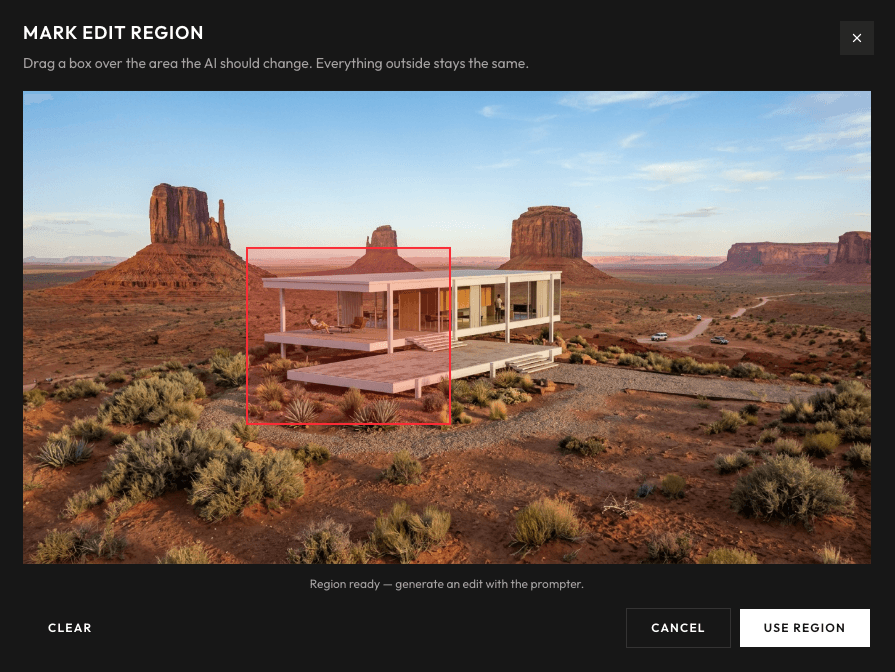
Fast rendering creates a new problem: more versions than any folder structure can hold. This article looks at why design exploration is a tree rather than a line, how a node-based canvas keeps every branch within reach, and the habits that turn quantity of options into quality of decisions.
Every architect knows the file. It is called something like final_v3_REVISED_clientfeedback_2b.jpg, it lives in a folder with forty of its siblings, and somewhere among them is the version from two weeks ago that was actually the best one. Nobody can find it. The moment has passed. The design moves on without it.
This was annoying when rendering was slow and versions were few. It becomes a real problem when rendering takes seconds, because now you produce in an afternoon what used to take a month. Speed without structure does not give you better decisions. It gives you a bigger folder.
Design exploration is a tree, not a line
The deeper issue is that file names are linear and design thinking is not.
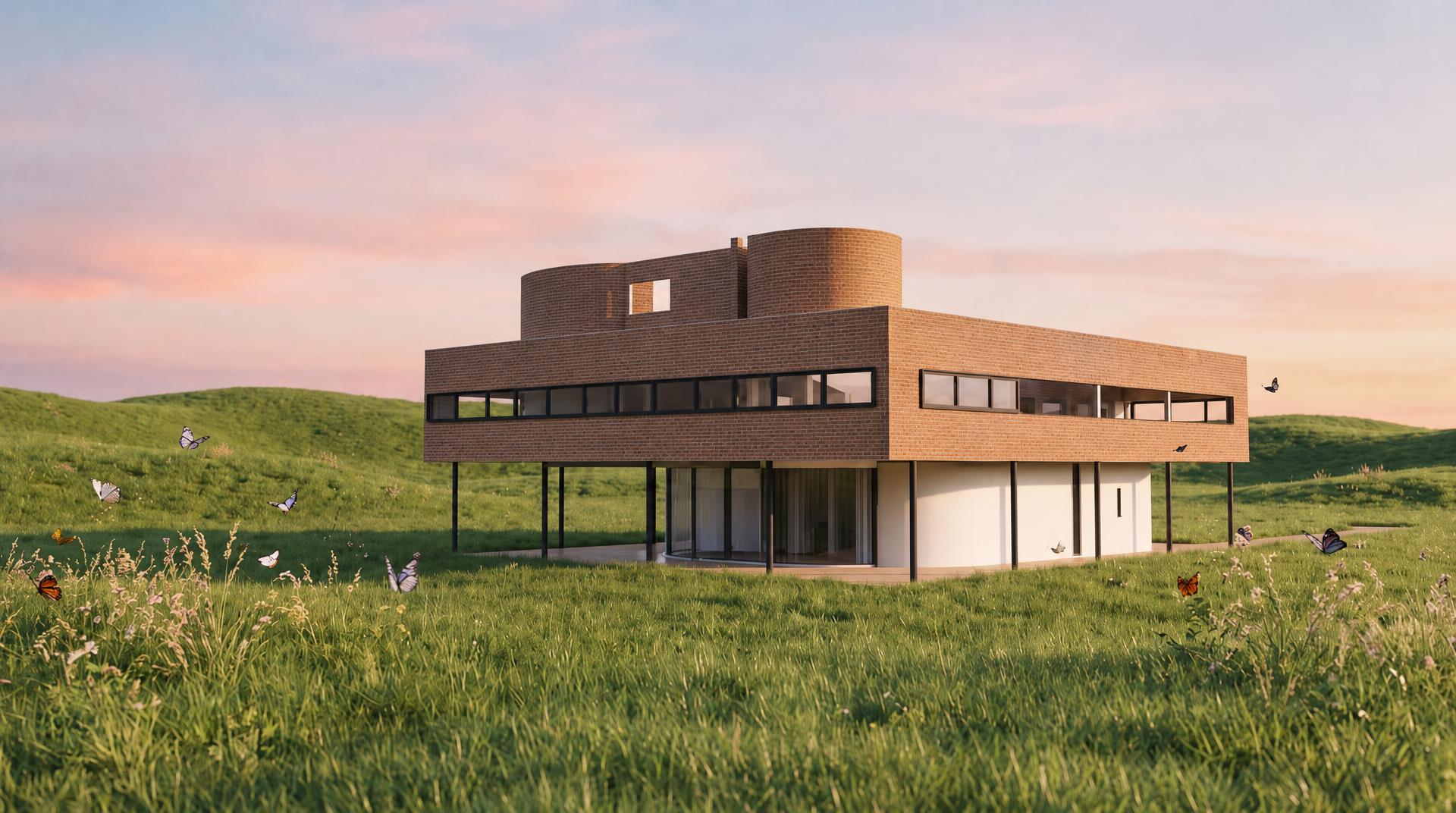
A real iteration session looks like this: you take the hero view and try a darker brick. Good, but heavy. From the brick version you relight to dusk, better. Meanwhile you also wonder what the original would look like as a watercolor for the competition board, so you branch back to the start. The watercolor works, which makes you want to see the dusk version as a watercolor too. Now you are three branches deep on two different parents, and the question that decides the presentation is: which two of these belong side by side?
Try to reconstruct that afternoon from a folder of numbered files. The sequence survives; the structure, which attempt came from which, what each change was responding to, is gone. And the structure is where the thinking lives.
What a node canvas actually changes
A node-based canvas stores the tree instead of flattening it. In Rendervis, every version of your visual lives as a node on one canvas, connected to the version it came from. Branch from any moment into a new possibility: a material swap, a relight, a style change, a video. Explore, compare, return.
Three things quietly become different:
Nothing is lost, so nothing is precious
When every attempt stays on the canvas, trying something stops being a commitment. You do not overwrite the good version to test a wild idea; the wild idea becomes a branch, and the good version sits untouched one node upstream. Exploration gets braver when retreat is free.
The history explains itself
Two weeks later, or in the next client meeting, the canvas reads like a map of the reasoning: here is where we tried corten, here is why we went back, here is the dusk branch that everyone loved. You are not presenting a conclusion and asking the client to trust the process. The process is visible.
Comparison becomes the default
On a linear timeline you compare a version to your memory of the previous one. On a canvas you compare siblings directly: the same view in brick and in corten, side by side, both descendants of the same parent. Decisions made against a visible alternative are faster and stick better than decisions made against a recollection.
Habits that make the canvas work
The tool stores the tree; a few habits keep the tree healthy.
- One change per branch. A node that differs from its parent by material, lighting, and style at once is unreadable later. Small steps keep every edge of the tree meaningful.
- Name the trunk, not every leaf. You do not need to label everything. Mark the versions that were shown to the client or that represent a real decision point. The rest is context around them.
- Prune with intent, not with anxiety. Dead branches are fine, they document what was ruled out. But when a direction is truly abandoned, let it visibly end rather than half-continuing it in parallel.
- End sessions by choosing. The canvas makes it easy to keep exploring forever. Close each session by marking the current best node. Tomorrow starts from a decision, not from a re-litigation.
Speed and structure need each other
There is a version of AI rendering that produces noise: hundreds of variations, no memory, decisions made by fatigue. And there is a version that produces clarity: fast enough that every question gets a visual answer, structured enough that every answer stays findable.
The difference between them is not the model. It is whether the versions live in a pile or on a map.
Put your next iteration session on a canvas and watch what happens to the version you almost lost.
FAQ
How is a node canvas different from version history or file naming?
Version history is linear: it remembers order, not relationships. A node canvas stores which version came from which, so parallel directions, a brick branch, a dusk branch, a watercolor branch, stay separate and comparable instead of collapsing into one numbered sequence.
Can I branch from an old version, or only from the latest one?
From any node. If the version from last Tuesday turns out to be the strongest, you branch from it directly, with everything explored since still on the canvas for reference. Nothing has to be undone to go back.
Does every generation type live on the same canvas?
Yes. Relights, material swaps, style changes, and videos generated from a still are all nodes in the same tree, so the entire exploration of a project stays in one place instead of being split across tools and folders.
Will the canvas get overwhelming on a long project?
It can if every branch gets equal weight, which is why the habits matter: one change per branch, mark the decision points, and let abandoned directions visibly end. A well-kept canvas reads like a map of the project's reasoning, not a pile of thumbnails.
Bring your vision to life.