

Workflow
From Still to Story: Turning a Render into Walkthroughs, Flyovers, and Timelapses
A still shows a moment. A walkthrough shows a decision. Here is when motion earns its place in a presentation, and how to get it from an image you already have.
6 min readRendervis
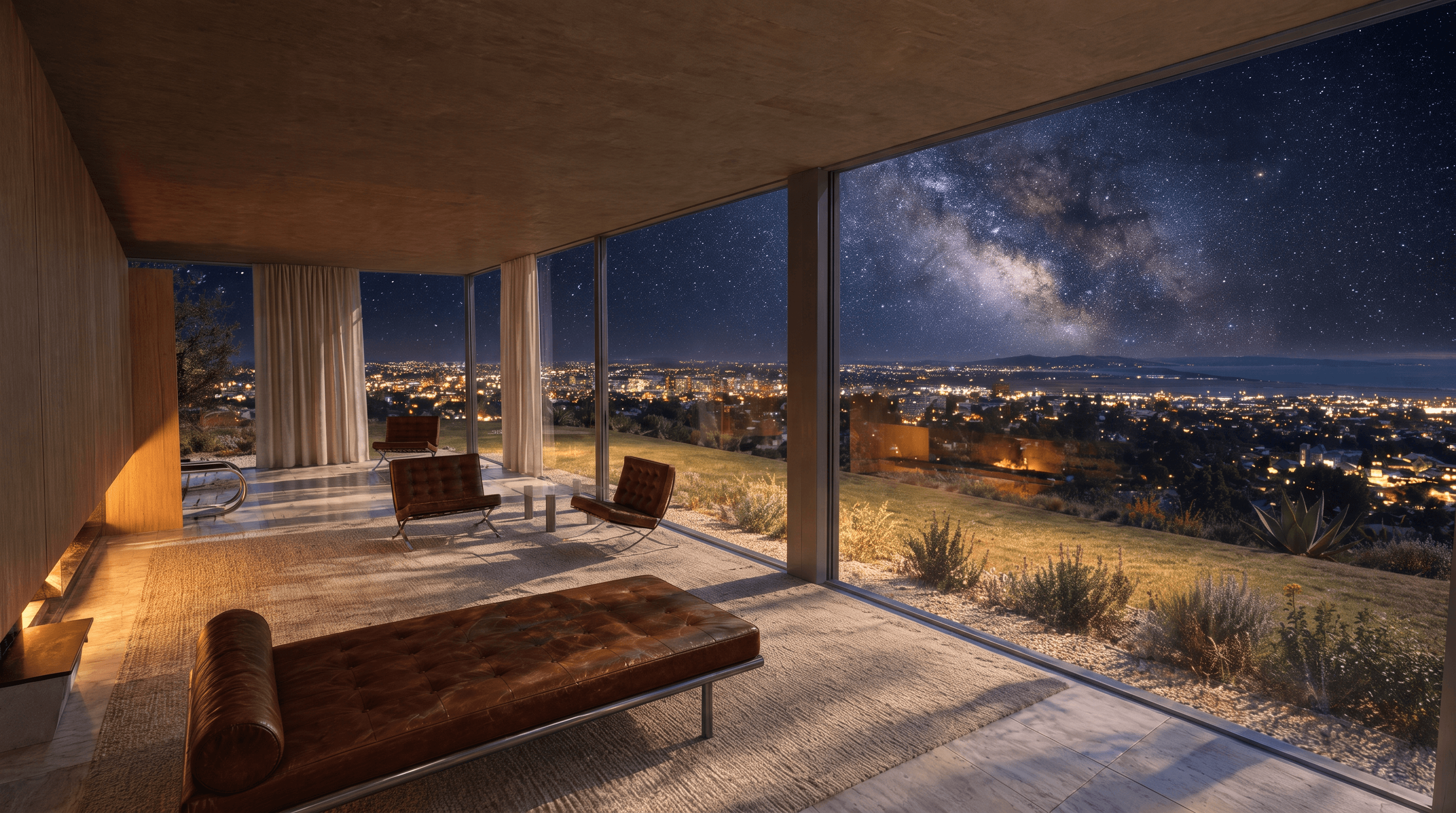
Animation used to be the most expensive deliverable in visualization, reserved for big-budget projects. This article covers the four kinds of architectural video, what each one is for, and how generating them from a single still changes what smaller projects can afford to show.
Architecture is experienced in motion. You approach a building, turn a corner, pass through a threshold, and the space reveals itself in sequence. That sequence, the promenade, is often the most designed thing in the project.
And then we present it with a still.
Stills are not wrong. They are the currency of boards, decks, and planning submissions. But some design decisions simply do not exist in a single frame: the compression before a double-height space, the way a stair turns you toward the view, the moment the courtyard opens up. If the experience is sequential, a still can only show the destination, never the arrival.
Animation always solved this. It was also, for most offices and most phases, unaffordable. A traditional walkthrough meant days of camera-path work, rendering farms, and a budget line that only competition finals and marketing campaigns could justify. So motion was rationed, and the promenade stayed in the architect's head.
Four kinds of movement, four different jobs
When video becomes cheap enough to use routinely, it is worth being precise about which kind of movement you actually need. They are not interchangeable.
The walkthrough: the experience argument
A walkthrough is eye-level, human-paced movement through space. It is the only format that presents the promenade as designed: sequence, compression, release. Use it when the design's best argument is spatial, an entry sequence, an interior flow, a route through a public building. A client who has "walked" the lobby stops asking what the lobby is like.
The flyover: the context argument
A flyover pulls back and moves above or around the building. Its job is relationships: massing against neighbors, roof geometry, how the project sits in its site. Flyovers are the strongest format for urban-scale conversations and for stakeholders who think in terms of the whole, planners, investors, community meetings.
The timelapse: the time argument
A timelapse holds the camera still and moves everything else, light sweeping across a facade, day turning to night, the building living through weather. It is the moving-image cousin of relighting: instead of comparing four hours side by side, you watch them flow. Timelapses are quietly the most emotional format, because they show the building as a place where time passes, which is to say, a place where life happens.
View to view: the connection argument
The move between two views is the most underrated format. You have two stills, the exterior approach and the interior lobby, and the video travels from one to the other. It stitches your existing images into a single continuous space. For presentations built on a handful of hero stills, view-to-view moves turn a slideshow into a route.
Starting from a still changes the economics
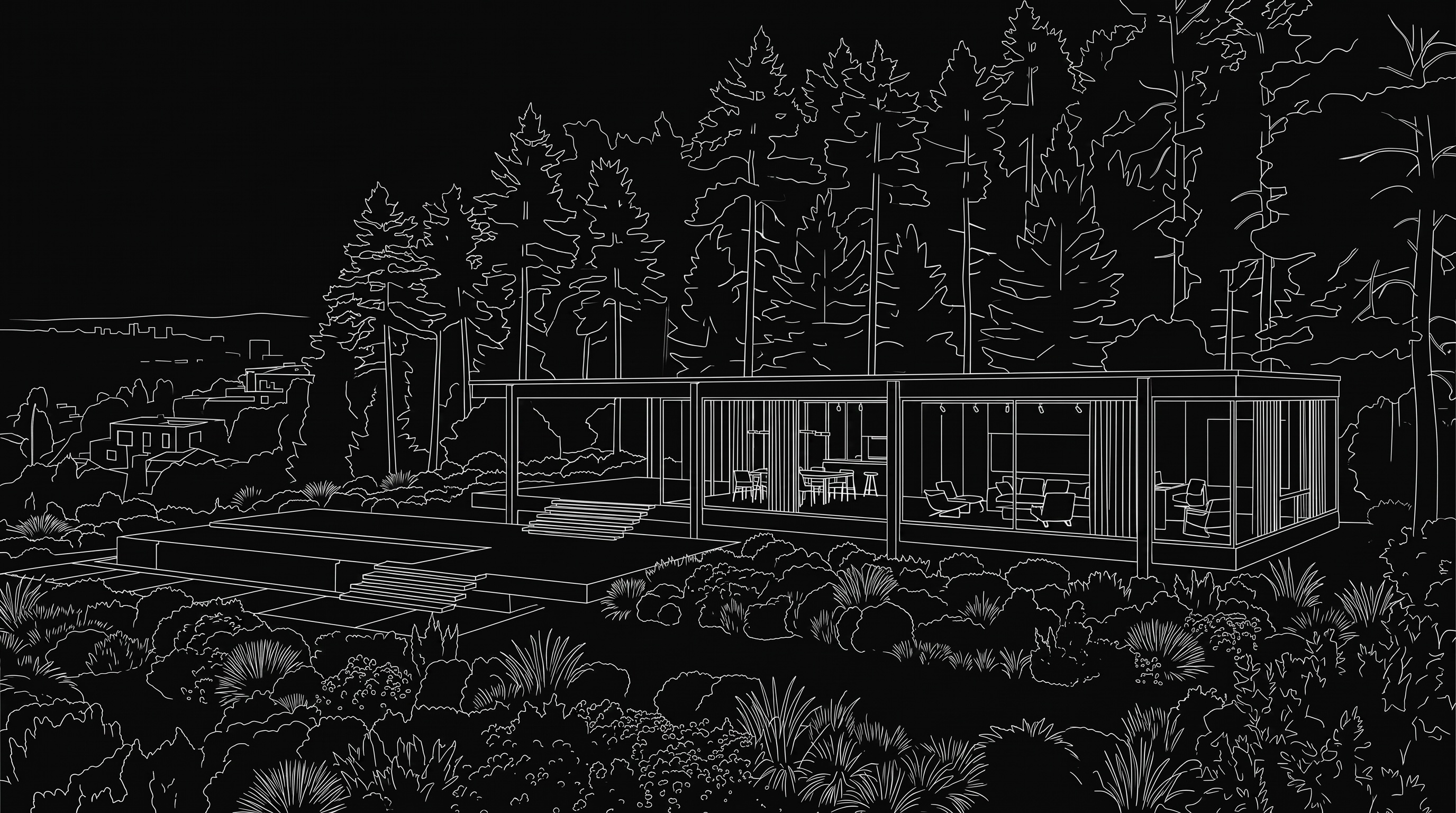
Here is the shift: in Rendervis, each of these formats is generated from a still you already have. Not from a rebuilt scene, not from a new camera-path project. The render that took seconds to create, or the one you already made elsewhere, becomes the starting frame, and the motion is generated from it.
That collapses the cost structure that made animation rare:
- No separate animation pipeline, the still you approved is the source.
- No re-rendering when the design moves, regenerate from the updated still.
- No minimum project size, a single-family house can afford a walkthrough now.
Which means the decision about motion stops being budgetary and becomes editorial: does this design have an argument that only movement can make?
When to stay with the still
Honest answer: often. Motion is a spice, not a meal. A deck where everything moves is exhausting, and a video invites passive watching where a still invites scrutiny. Some guidance:
- If the argument is composition, proportion, or material, a still is stronger. Movement blurs exactly what you want examined.
- If the argument is sequence, context, or time, video is stronger. A still flattens exactly what you want felt.
- In a presentation, one or two videos placed at the right moment beat six videos everywhere. Use motion at the emotional peak, usually the promenade or the closing shot.
A simple workflow
- Choose the still that carries the argument. Usually your hero view, refined until the mood and materials are right. Get the still correct first; video amplifies whatever the source frame is.
- Match the format to the argument. Walkthrough for experience, flyover for context, timelapse for atmosphere, view to view to connect existing images.
- Generate, review, iterate. Like every AI step, the first version is a draft. Judge it on whether the movement supports the design story, not on whether it is impressive.
- Place it deliberately. One video at the peak of the presentation. Let stills do the analytical work around it.
Conclusion
The still is not going anywhere; it remains the sharpest tool for scrutiny. But the experiences architects design most carefully, arrival, sequence, the passage of light, were always invisible in a single frame. Now that a walkthrough or a timelapse costs a still plus a few seconds, the promenade finally gets to be part of the presentation.
Take your best render and set it in motion. Somewhere in that image there is a route your client has never walked.
FAQ
What do I need to create a video? A 3D model?
Just a still. Walkthroughs, flyovers, timelapses, and view-to-view moves are generated from an existing render. If you have two stills of the same project, you can also generate the move between them.
Which video format should I show a client first?
Match it to the design's strongest argument. If the project lives on its interior sequence, use a walkthrough. If it lives on its relationship to the site, use a flyover. If atmosphere is the story, a timelapse of light moving across the space is hard to beat.
How long should an architectural video be?
Short. A focused move of a few seconds that makes one point clearly outperforms a long tour. In a presentation, treat video like a key image: one strong moment, placed where the emotional argument peaks.
Can I update the video when the design changes?
Yes, and this is the practical advantage of generating from stills. Update the render, regenerate the motion. There is no separate animation scene that drifts out of sync with the design.
Bring your vision to life.